



Charging Process Indicator
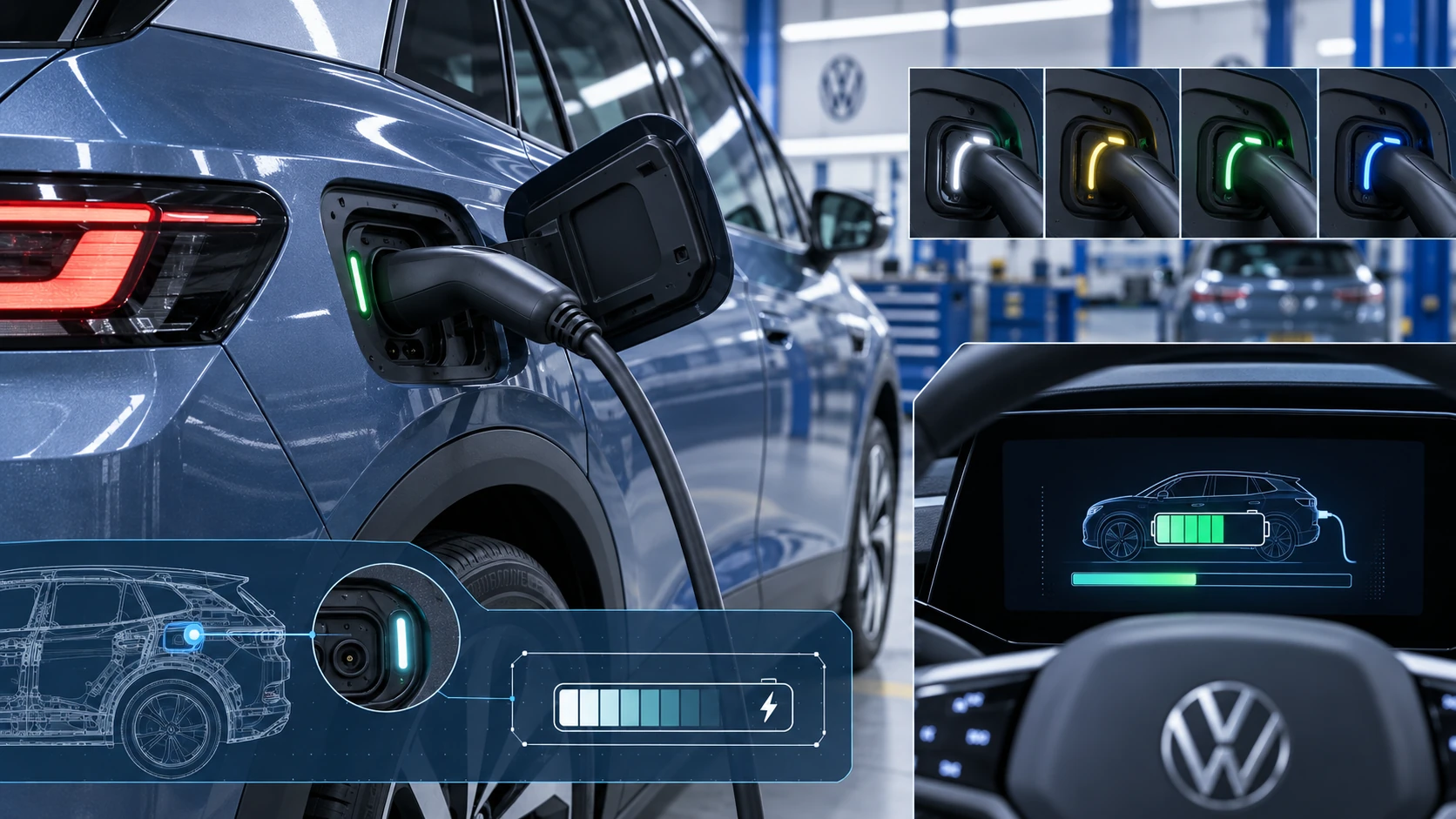
Learn how the Volkswagen ID.4 charging process indicator shows charging status, progress and key visual signals during AC and DC charging.
Read guide




The special radio functions available in the Volkswagen ID.4 Infotainment system may vary depending on vehicle configuration and regional availability, and therefore may not be supported in all markets or equipment versions.
Traffic program function (TP function)
The Traffic Program (TP function) in the Volkswagen ID.4 continuously monitors broadcasts from a selected traffic information station and automatically switches to it when relevant updates are transmitted, regardless of whether you are currently in radio or media mode. For this feature to operate correctly, the traffic broadcast station must be receivable.
When using media playback, the Volkswagen ID.4 Infotainment system can switch to a traffic station in the background as soon as a signal becomes available, ensuring that you never miss important road information.
Some stations that do not broadcast traffic updates themselves can still support the TP function via linked traffic stations (EON functionality), expanding the availability of traffic announcements.
If no traffic station is currently available, the display will show No TP. The system will automatically search for a suitable station, and once found, the status will revert back to TP.
To receive traffic updates, ensure that the TP function is activated in the Infotainment settings of your Volkswagen ID.4.
Please note that traffic broadcast services may not be available in all countries.
Switching on the TP function
1. In radio mode, tap
 Radio and activate Traffic program (TP function).
Or: in media mode, tap
 Media and activate Traffic program (TP function).
Internet radio
Internet Radio in the Volkswagen ID.4 allows access to global radio stations and podcasts via an online connection, independent of traditional FM or DAB bands. This significantly expands the range of available content beyond regional limitations.
Internet Radio requires an active internet connection within the Volkswagen ID.4 Infotainment system. Depending on your mobile data plan or subscription, additional data charges may apply.
 This feature may also depend on privacy settings configured within the vehicle system, particularly in certain countries.
Station logos
The Volkswagen ID.4 Infotainment system can display station logos for a more intuitive and visually enhanced radio experience. Logos may already be stored for certain frequency bands.
If automatic logo assignment is enabled, the system will match logos to stations automatically.
In Internet Radio mode, logos are retrieved dynamically from an online database and linked to the corresponding stations.
Assigning station logos manually
1. In radio mode, tap
 Radio
Radio
 Station logos.
2. Select the station to which a logo should be assigned.
3. Choose the desired station logo from the available options.
4. Repeat this process for additional stations as needed.
5. To complete the assignment, tap
 .
.

Selected owner and service information from our Volkswagen ID.4 manual library.
 ID.4 Guide
Learn how the Volkswagen ID.4 charging process indicator shows charging status, progress and key visual signals during AC and DC charging.
Read guide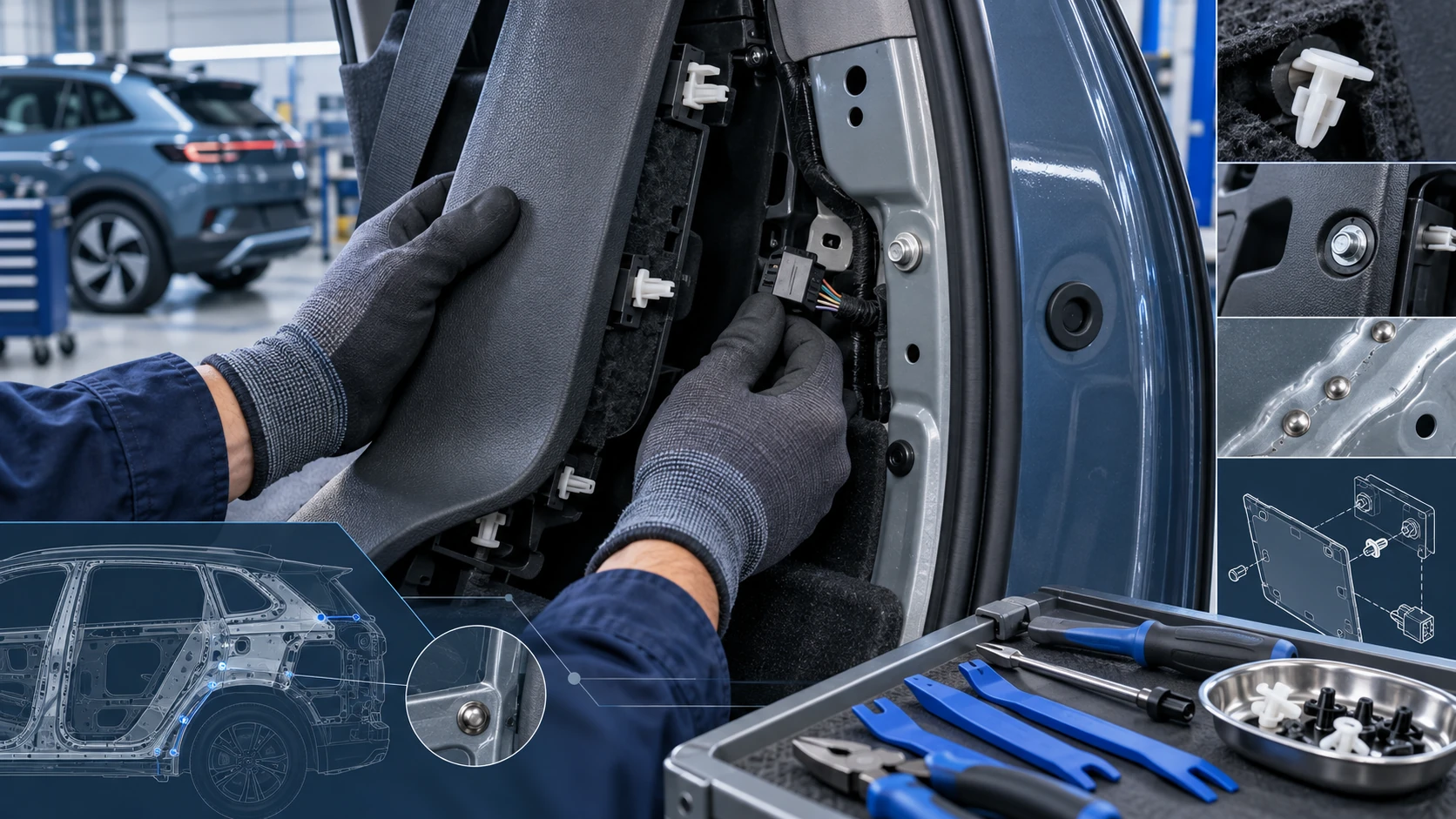 ID.4 Guide
Practical Volkswagen ID.4 service procedures for joining and separating components, connectors and assemblies correctly and without unnecessary damage.
Read guide