



Bidirectional Charging
Learn the basics of Volkswagen ID.4 bidirectional charging, including energy flow concepts, home power use and vehicle-to-home charging capability.
Read guide




When the ignition is switched on, Front Assist in the Volkswagen ID.4 is automatically activated together with all equipment- and country-specific functions. This ensures that the Volkswagen ID.4 continuously monitors the traffic situation ahead and provides assistance right from the start of every journey.
 However, Front Assist in the Volkswagen ID.4 may be temporarily unavailable or operate with limited functionality while the white indicator light is displayed in the instrument cluster.
Volkswagen strongly recommends keeping Front Assist and all related safety functions activated in the Volkswagen ID.4 at all times, except in specific situations where deactivation is required (→ Autonomous Emergency Braking (Front Assist)).
Switching on and off
You can manually activate or deactivate Autonomous Emergency Braking in the Volkswagen ID.4 and check its current status at any time.
In the Infotainment system:
1. Open the Assistance systems menu.
2. Switch Autonomous Emergency Braking on or off in the corresponding submenu.
 If Front Assist is switched off in the Volkswagen ID.4, all dependent functions are also deactivated. A yellow indicator light will appear in the instrument cluster to inform the driver.
If Front Assist in the Volkswagen ID.4 is automatically deactivated, for example when a trailer is detected, the yellow indicator light will also illuminate.
Setting Up Equipment- and Country-dependent Functions
When Front Assist is active, the Volkswagen ID.4 allows you to customize several settings via the Infotainment system, depending on the vehicle configuration and region:
 Many of these settings in the Volkswagen ID.4 can be stored within driver profiles and will automatically adjust when different users are selected.
Troubleshooting
 Front Assist starts
The white indicator light appears in the Volkswagen ID.4 instrument cluster.
 Front Assist has limited
availability or is not available
Front Assist has limited
availability or is not available
The yellow indicator light illuminates, and a warning message is displayed in the Volkswagen ID.4 instrument cluster.
Front Assist will resume normal operation once the camera becomes available again.
Volkswagen recommends visiting an authorized Volkswagen dealer or certified Volkswagen Service Facility for inspection.
Front Assist is not functioning as expected or has been triggered multiple times unnecessarily
Volkswagen recommends contacting an authorized Volkswagen service center.
Controls are responding differently than expected
Moisture, dirt, or grease can affect the responsiveness of control surfaces in the Volkswagen ID.4.
1. Always ensure that all control panels are clean and dry for proper operation.
Introduction
Lane Assist in the Volkswagen ID.4 helps the driver remain within the lane boundaries under normal driving conditions. However, it is not designed for fully autonomous lane keeping.
If the Volkswagen ID.4 detects that the vehicle is drifting too close to lane markings, the system provides corrective steering input. The driver can override this assistance at any time.
Speed range
Lane Assist in the Volkswagen ID.4 becomes active when lane markings are detected and the vehicle speed exceeds approximately 60 km/h (35 mph), within system limitations.
WARNING
Lane Assist in the Volkswagen ID.4 does not replace driver attention and operates only within defined system limits. It may fail to detect certain situations or may respond incorrectly. Lack of attention can lead to serious accidents or injuries.

Selected owner and service information from our Volkswagen ID.4 manual library.
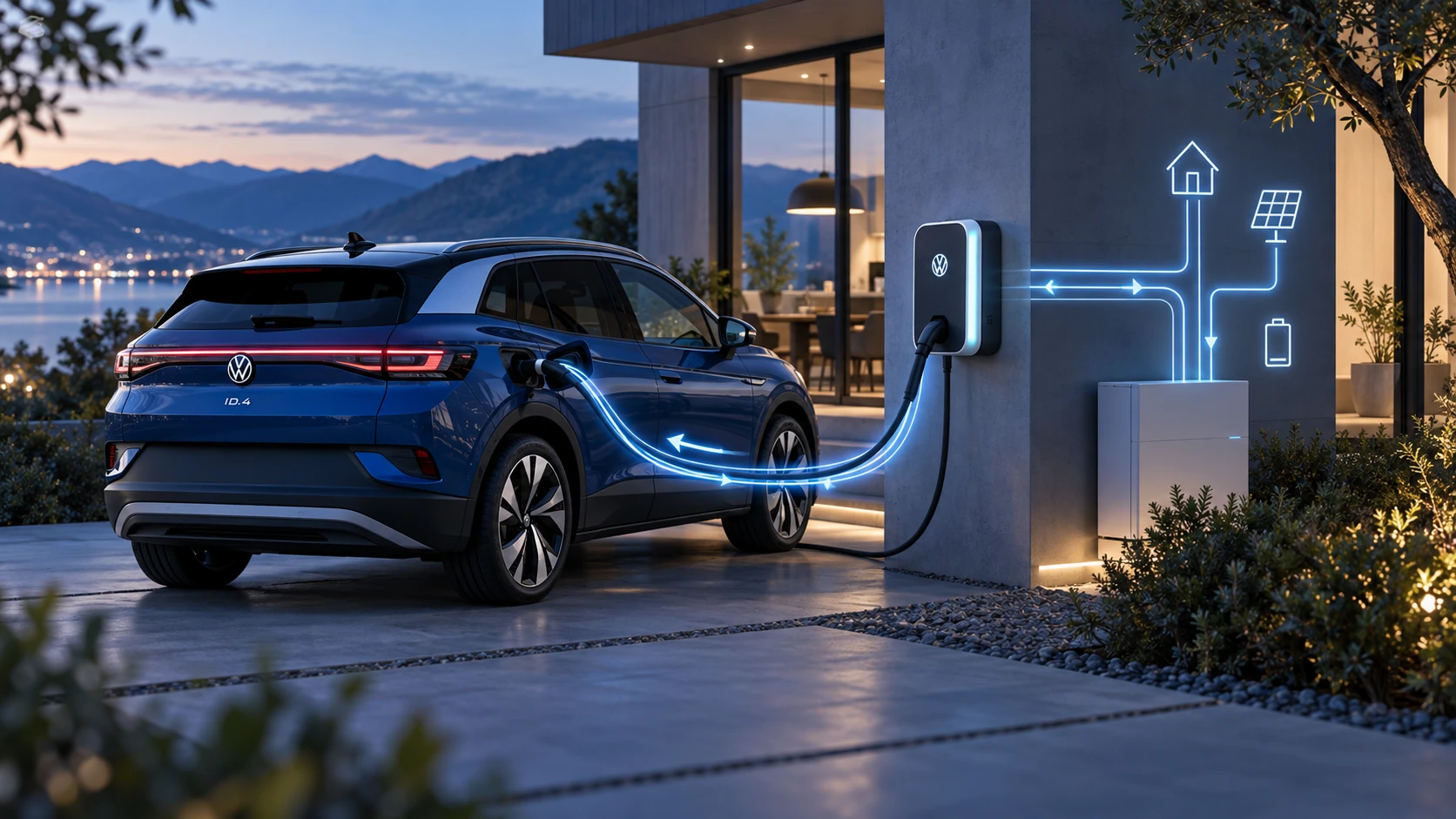 ID.4 Guide
Learn the basics of Volkswagen ID.4 bidirectional charging, including energy flow concepts, home power use and vehicle-to-home charging capability.
Read guide ID.4 Guide
How to switch the Volkswagen ID.4 ignition on and off correctly, including the basic operating conditions and what the driver should expect from the vehicle.
Read guide