



Rear Cross Member
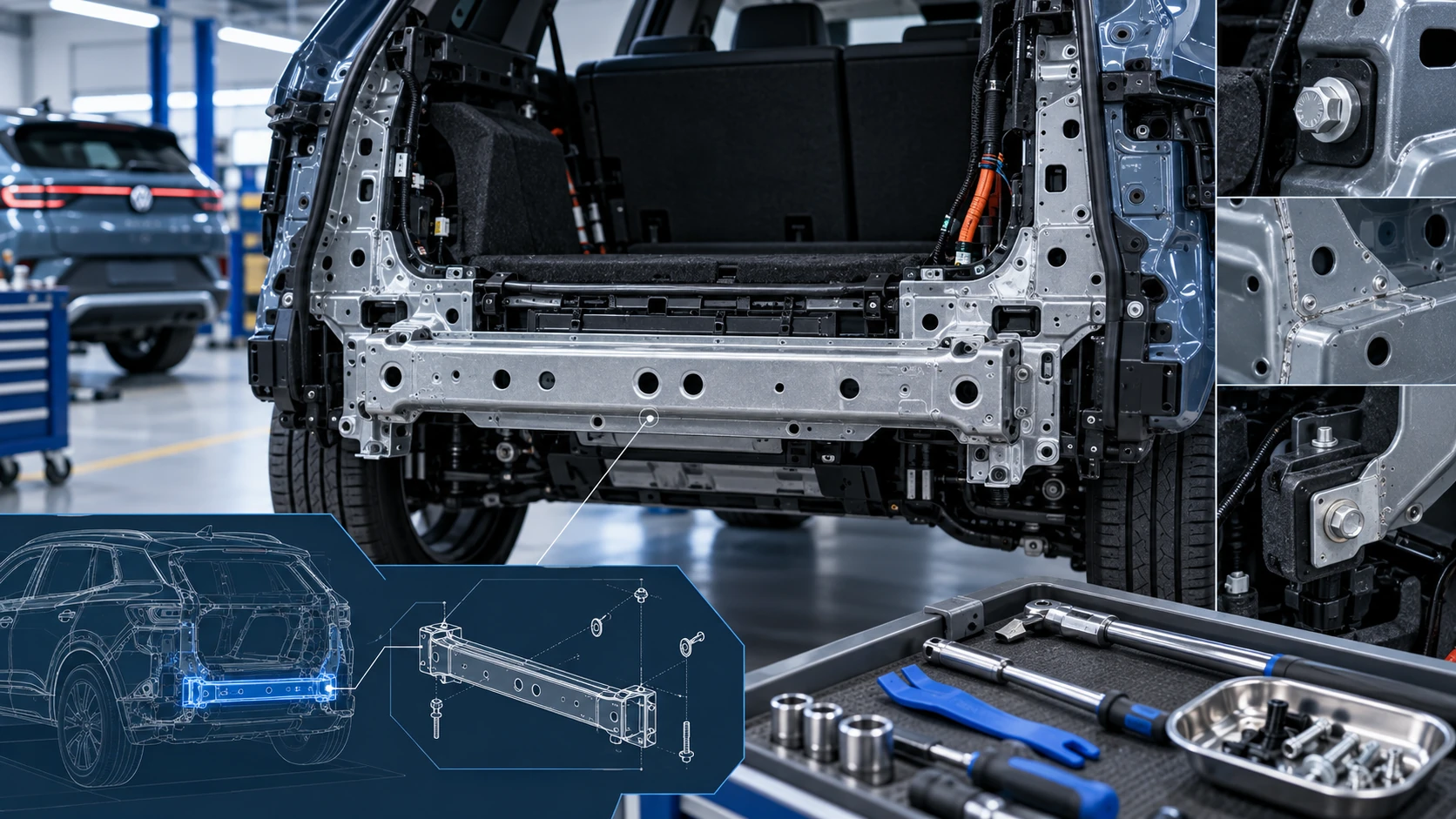
Service information for the Volkswagen ID.4 rear cross member, including component location, attachment points and repair-oriented removal and installation guidance.
Read guide




In the upper center console
 Open the Air conditioner menu in
the Infotainment system.
Open the Air conditioner menu in
the Infotainment system.
In the Volkswagen ID.4, the Air conditioner menu in the Infotainment system provides intuitive and centralized access to all climate-related functions. Within the Classic Climate and Smart Climate submenus, you can conveniently adjust temperature settings (→ Air conditioner temperature control) and air distribution (→ Air conditioner air distribution) according to your comfort preferences.
Depending on the equipment version of your Volkswagen ID.4, the Classic Climate menu may also appear under the name Climate control.
The Smart Climate submenu, available in selected configurations, offers intelligent automation features that enhance comfort and optimize airflow distribution.
Climate control settings submenu
 Open the Climate control
settings submenu.
Open the Climate control
settings submenu.
Depending on the equipment level of the Volkswagen ID.4, additional convenience functions can be accessed in this submenu:
Switching the Climatronic on and off
In the Air conditioner menu: top of the screen
 Switch the air conditioning
system on and off.
Switch the air conditioning
system on and off.
1. Tap
 in the upper center
console.
in the upper center
console.
2. Tap
 in the Air conditioner
menu.
in the Air conditioner
menu.
Automatic mode of the Climatronic
In the air conditioner menu
 The selected temperature is
maintained consistently. In the Volkswagen ID.4, airflow volume and distribution are automatically regulated for optimal comfort. Automatic mode is deactivated if the blower speed is manually adjusted.
The selected temperature is
maintained consistently. In the Volkswagen ID.4, airflow volume and distribution are automatically regulated for optimal comfort. Automatic mode is deactivated if the blower speed is manually adjusted.
If any Smart Climate feature is activated, the Climatronic automatic mode will also engage automatically (→ Air conditioner air distribution).
Selecting the air conditioner profile
The intensity of airflow in automatic mode can be customized using predefined air conditioning profiles.
1. Open the Air conditioner menu in the Infotainment system.
2. Tap
 .
.
3. Choose your preferred climate profile from the pop-up selection window.
Air Care
In the Air conditioner menu: Air Care submenu
The Air Care system in the Volkswagen ID.4 uses an advanced active filter to reduce the entry of pollutants, allergens, and harmful particles into the cabin.
When Air Care is activated, the system maximizes air recirculation within safe limits, taking into account humidity levels and outside temperature to prevent window fogging. This intelligent system continuously adapts airflow to enhance comfort and reduce driver fatigue.
Switching Air Care on and off
1. Open the Air conditioner menu in the Infotainment system.
2. Tap Air Care.
3. Tap Active.

Selected owner and service information from our Volkswagen ID.4 manual library.
 ID.4 Guide
Service information for the Volkswagen ID.4 rear cross member, including component location, attachment points and repair-oriented removal and installation guidance.
Read guide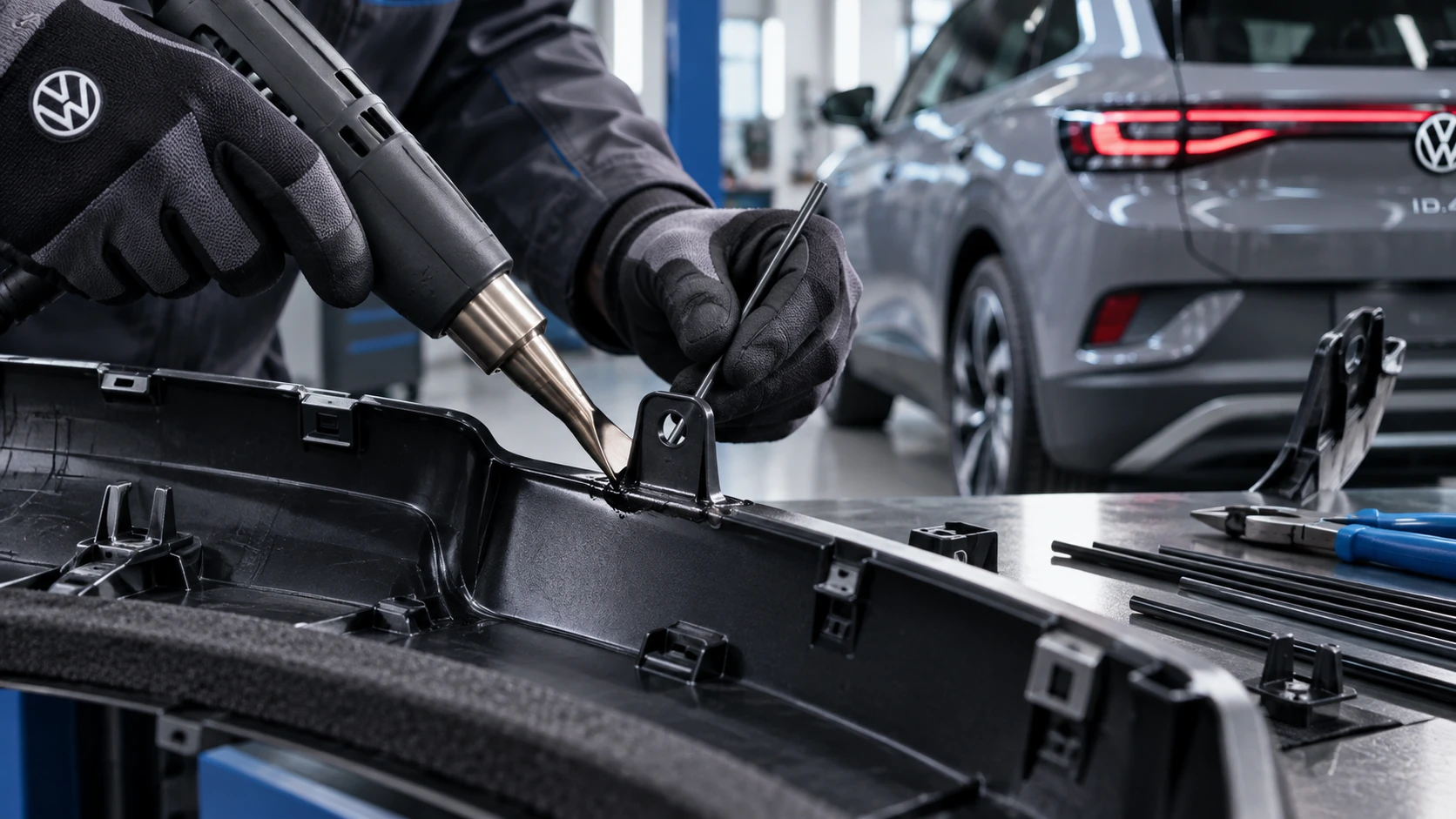 ID.4 Guide
Professional Volkswagen ID.4 repair guidance for welding plastic attachments, securing damaged mounting points and restoring plastic components correctly.
Read guide