



Cooling System Coolant
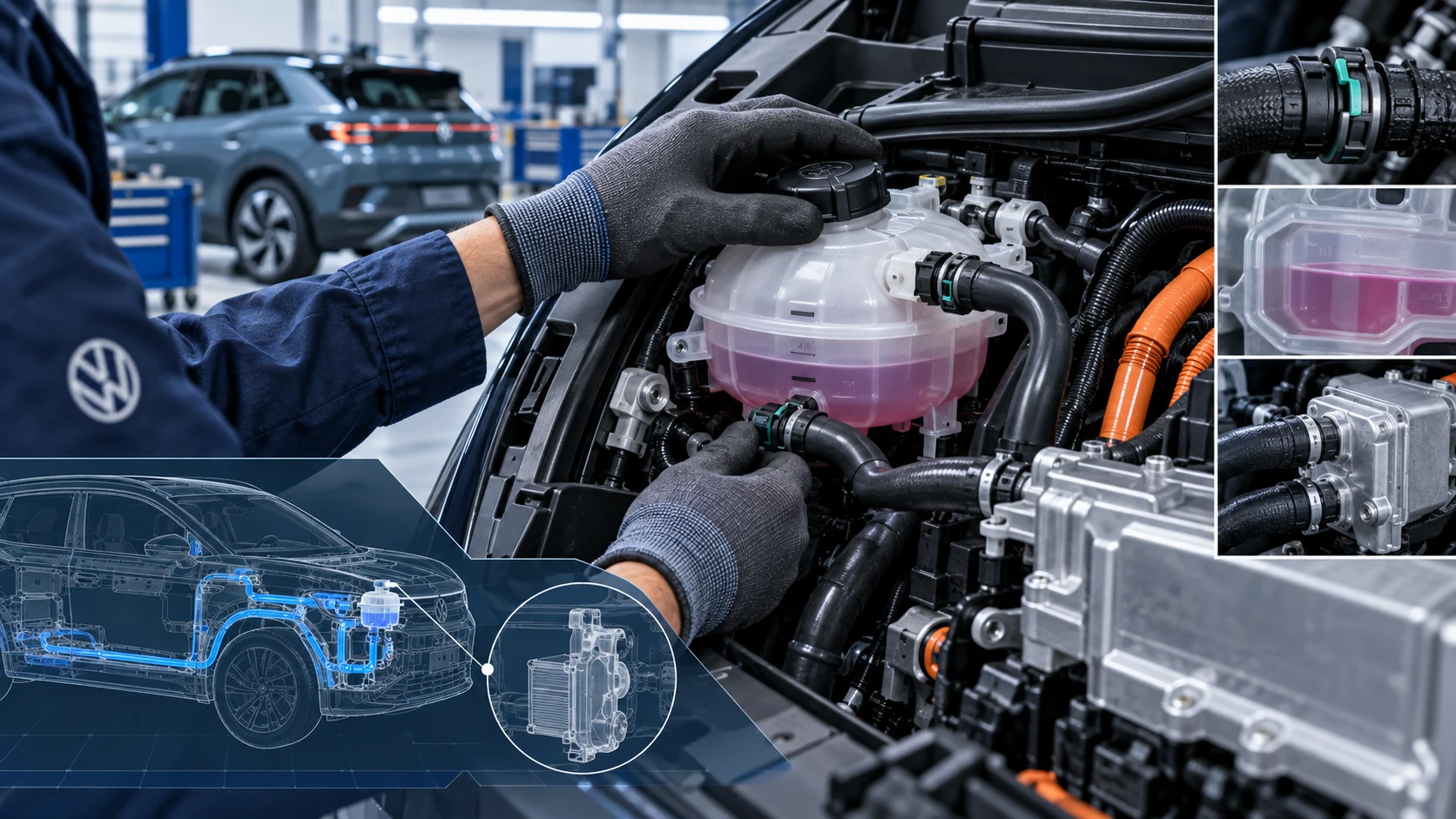
Volkswagen ID.4 cooling system guidance covering coolant-related service information, inspection points and important precautions for thermal management components.
Read guide




In the Infotainment system: Bottom of the screen
 Adjust the temperature. The
temperature settings in the Volkswagen ID.4 are always displayed at the bottom of the Infotainment screen for quick access.
Adjust the temperature. The
temperature settings in the Volkswagen ID.4 are always displayed at the bottom of the Infotainment screen for quick access.
The selected temperature for rear passengers is shown on the rear climate control display.
In the Air conditioner menu: Classic Climate submenu
Depending on the Volkswagen ID.4 configuration, this menu may also be labeled as Climate control.
 The system cools and dehumidifies the cabin air in cooling mode.
 Activate or deactivate maximum cooling performance.
When maximum cooling is enabled, air recirculation is automatically activated, and airflow is directed toward the upper body for faster cooling.
 Apply the driver's temperature settings to all seating positions.
On the Infotainment system: setting the temperature with the touch control
Depending on equipment, the Volkswagen ID.4 allows temperature adjustment using touch-sensitive controls.
1. To quickly set the temperature to +22 ºC (+72 ºF), press and hold the center touch area between
 and
and
 .
.
Alternatively, swipe left or right across the touch control to fine-tune the temperature setting.
The selected values are continuously displayed at the bottom of the Infotainment screen in the Volkswagen ID.4.
In the Infotainment system: Stationary air conditioning menu
 Open the Stationary air
conditioning menu in the Infotainment system (→ Stationary air conditioning).
Open the Stationary air
conditioning menu in the Infotainment system (→ Stationary air conditioning).
Climate control depending on the seat
The Volkswagen ID.4 uses intelligent seat occupancy detection to optimize energy efficiency. Climate control output is adjusted based on whether seats are occupied.
If a seat is unoccupied, the system may display Eco mode instead of temperature in the climate menu.
When a passenger is detected (for example, by seat belt usage), the system activates climate control for that seat when the vehicle is in operation.
Adjusting the temperature for the rear seats
 Open the settings for the rear
seats.
Open the settings for the rear
seats.
1. Open the Air conditioner menu in the Infotainment system.
2. Tap
 .
.
3. Tap the
 or
or
 function key.
Alternatively, adjust directly using
 or
or
 on the rear climate control panel.
The selected rear temperature is displayed on the rear climate control interface.
 If REAR LOCK is activated, rear passengers cannot adjust the climate settings.
The Volkswagen ID.4 climate system combines intelligent automation, user-friendly controls, and energy-efficient operation to ensure a comfortable environment for all occupants in every driving condition.

Selected owner and service information from our Volkswagen ID.4 manual library.
 ID.4 Guide
Volkswagen ID.4 cooling system guidance covering coolant-related service information, inspection points and important precautions for thermal management components.
Read guide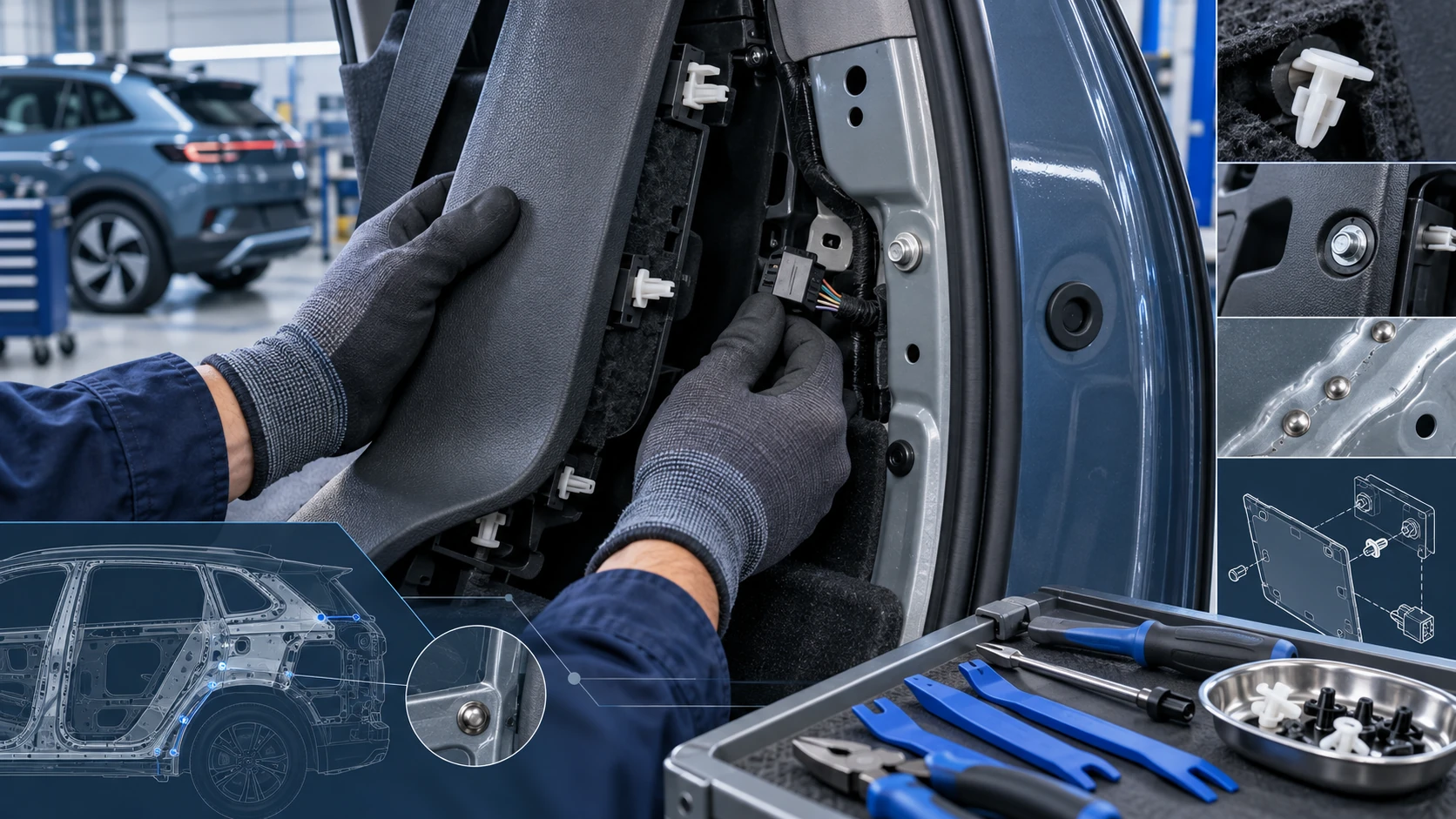 ID.4 Guide
Practical Volkswagen ID.4 service procedures for joining and separating components, connectors and assemblies correctly and without unnecessary damage.
Read guide