



Joining and Separating Techniques
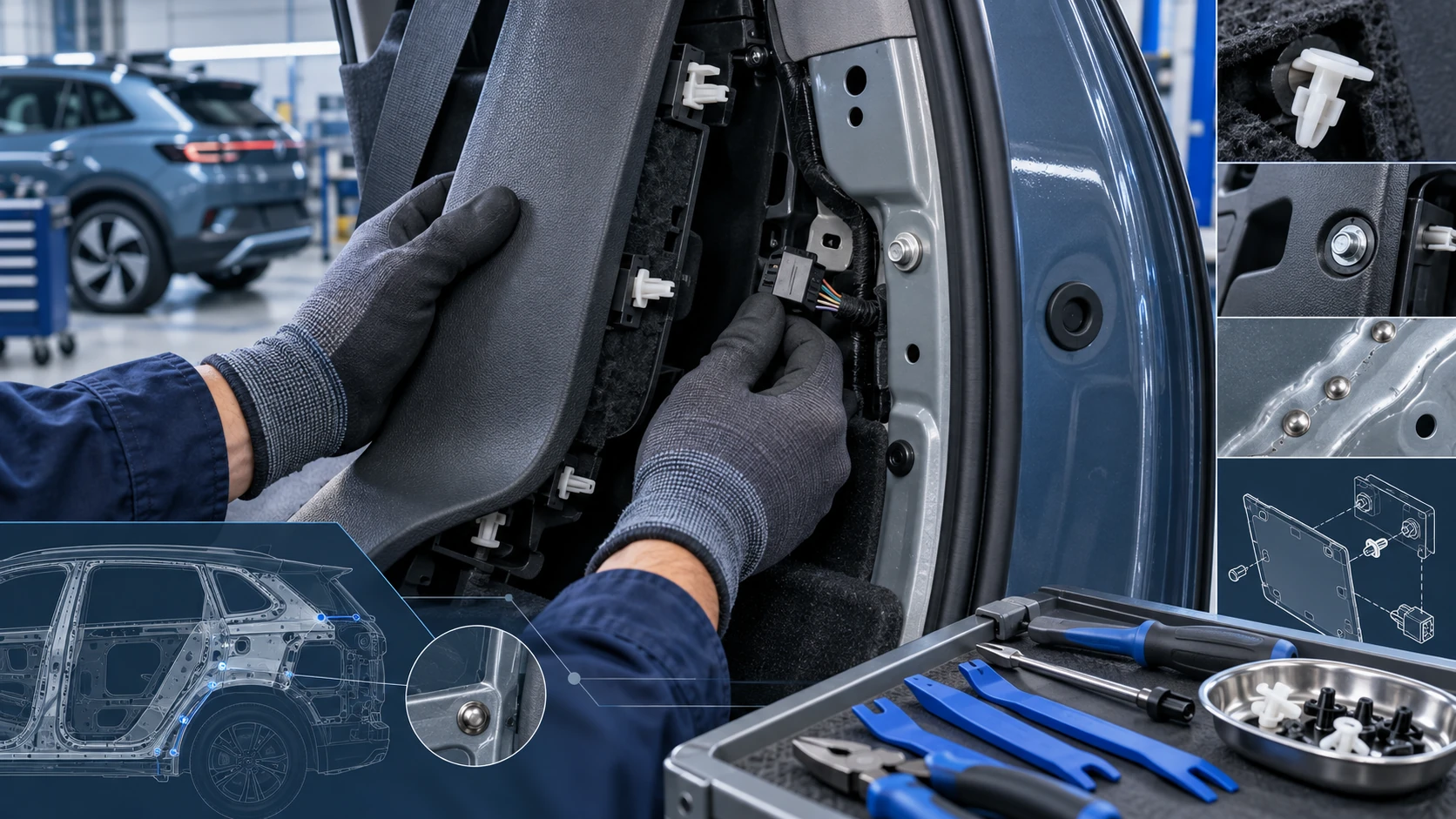
Practical Volkswagen ID.4 service procedures for joining and separating components, connectors and assemblies correctly and without unnecessary damage.
Read guide




If a charging location is saved, the Volkswagen ID.4 allows you to schedule charging at a preferred time, ensuring the vehicle is ready when needed.
Setting a departure time
1. Tap HOME in the Infotainment system.
2. Tap
 Charging.
3. Open the
 Charging locations menu.
4. Select the desired charging location profile.
5. Configure a departure time (up to three schedules available).
 If scheduled charging is not activated, the Volkswagen ID.4 will begin charging immediately to the defined maximum battery level.
Air Conditioning
The Volkswagen ID.4 can pre-condition the cabin temperature at the scheduled departure time using stationary air conditioning, improving comfort and efficiency.
1. Set the desired interior temperature in the stationary air conditioning menu (→ Stationary air conditioning).
2. Select the appropriate charging procedure from the drop-down list.
Activating a departure time
1. Open the selected charging location profile.
2. Activate the departure time by placing a check mark
 in the corresponding box.
Displays in the Infotainment system
 Charging at a scheduled departure time is active.
 Air conditioning at departure time is active.
 The departure time is set as a recurring schedule.

Selected owner and service information from our Volkswagen ID.4 manual library.
 ID.4 Guide
Practical Volkswagen ID.4 service procedures for joining and separating components, connectors and assemblies correctly and without unnecessary damage.
Read guide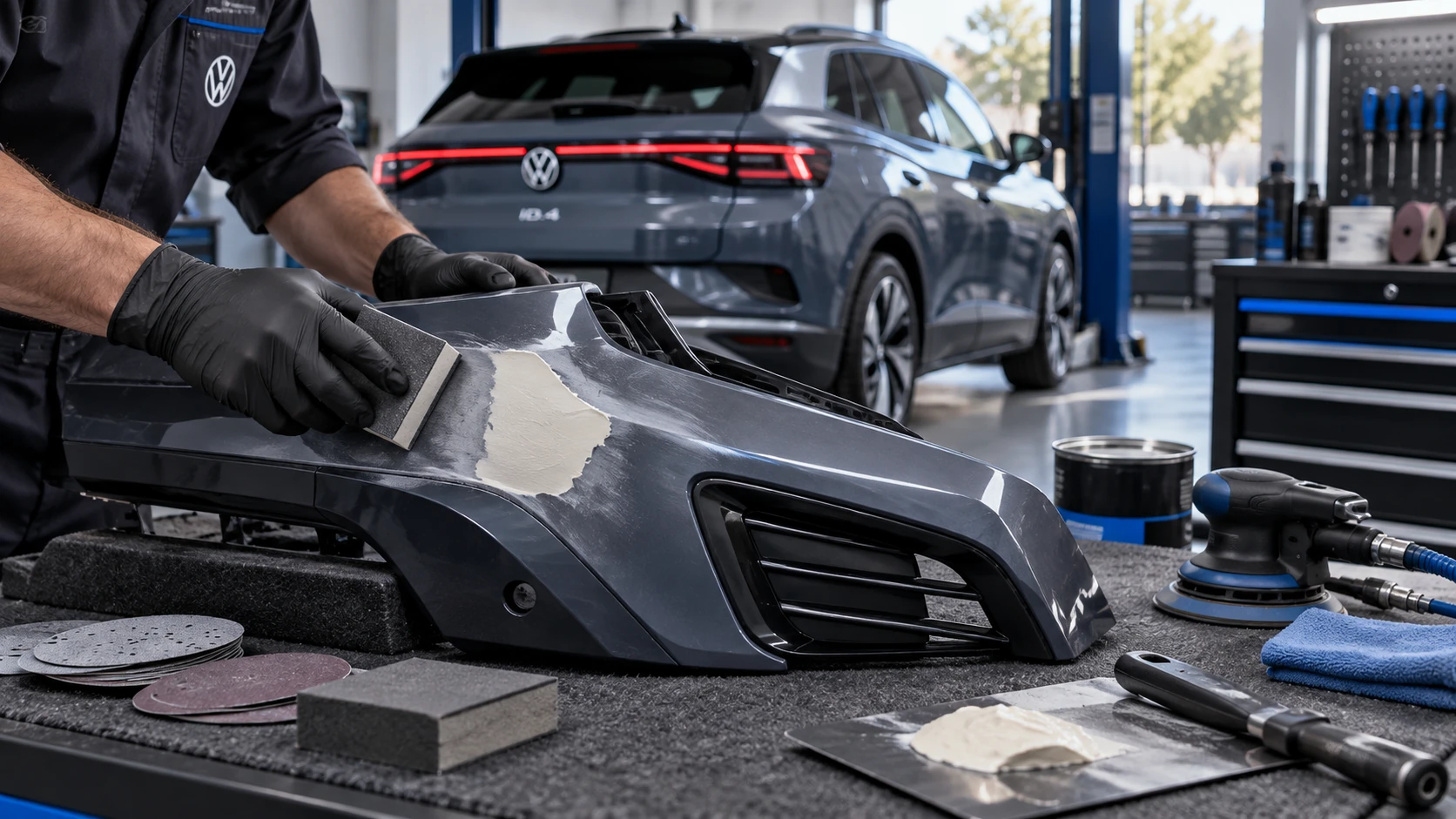 ID.4 Guide
Volkswagen ID.4 plastic repair procedures covering surface preparation, filler work, sanding and restoration of damaged plastic exterior components.
Read guide