



Symbols in the Instrument Cluster
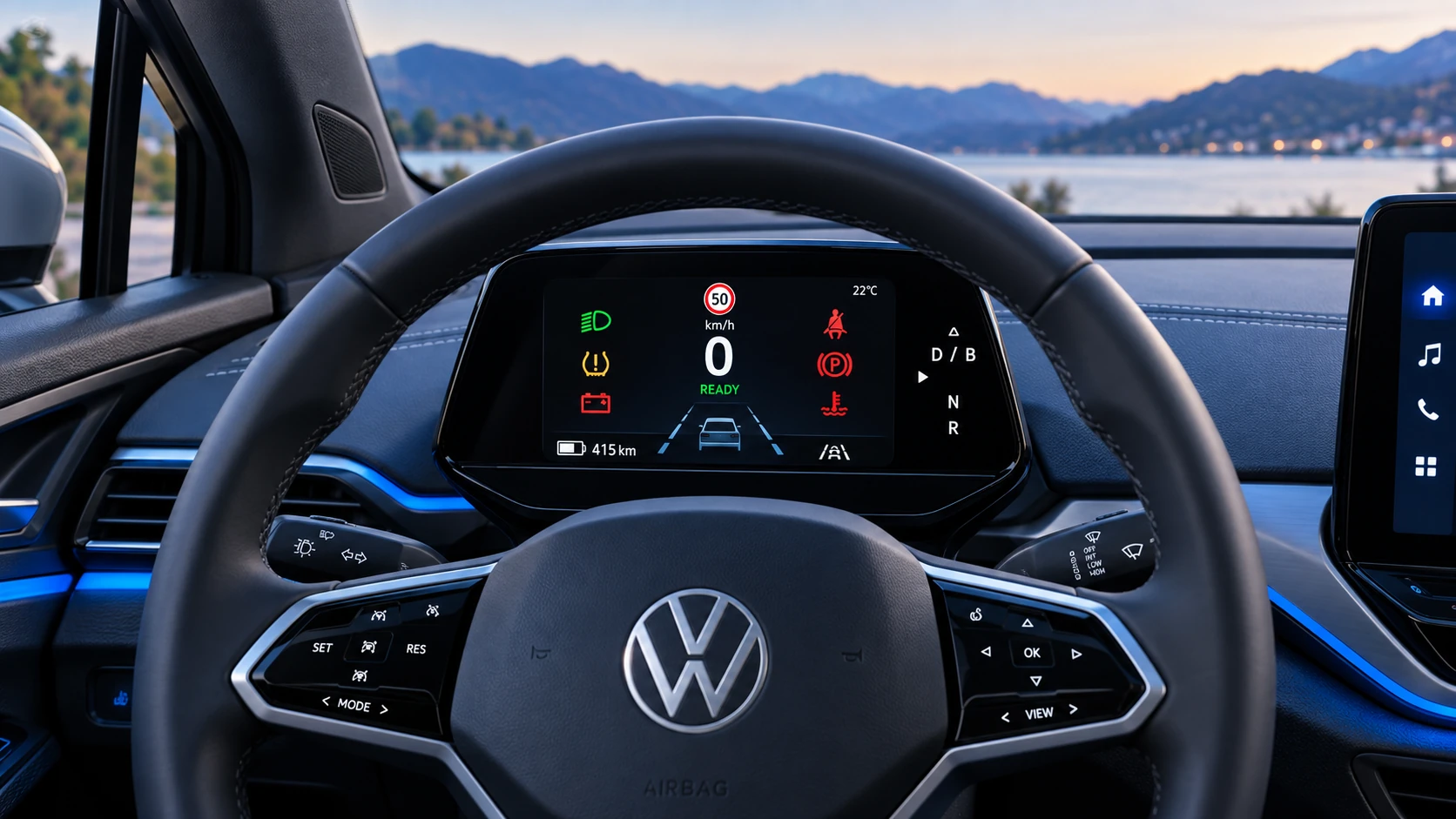
A practical overview of Volkswagen ID.4 instrument cluster symbols, warning lights and status indicators to help drivers understand the display quickly.
Read guide




 In the Volkswagen ID.4, predictive speed control enhances driving comfort by automatically recognizing speed limits along your route. As soon as a limit is detected, a clear notification appears in the instrument cluster, and the identified value is stored as the new desired speed, helping the driver maintain compliance effortlessly while improving overall efficiency and safety.
To cancel speed adjustment
 button.
Or: release and press the accelerator pedal twice in succession to disengage the adjustment.
The most recently stored speed is then restored and used again in the Volkswagen ID.4.
 button.
The current driving speed is immediately adopted as the new set value.
 button.
The predictive system is switched to passive mode, and automatic adjustments are paused.
Adjusting the speed shown
+ 1 mph (1 km/h): Press the + button gently to fine-tune the speed with precision in your Volkswagen ID.4.
- 1 mph (1 km/h): Press the - button gently to reduce the speed in small increments.
+ 5 mph (10 km/h): Press the + button firmly or swipe it upward. The first press adjusts to the next larger interval (tens in km/h or fives in mph), making quick changes easier.
- 5 mph (10 km/h): Press the - button firmly or swipe it downward. The first press moves to the next lower interval, allowing rapid deceleration adjustments.
If the displayed speed is adjusted excessively, the predictive speed control function in the Volkswagen ID.4 will automatically deactivate to maintain safe operation.
 Even if the speed limiter is not actively controlling the vehicle, predictive control in the Volkswagen ID.4 can still adapt the stored speed when a new speed limit is detected.
 If your current speed significantly exceeds the detected limit, a warning message will appear in the instrument cluster to alert you promptly.
 When entering a highway, the Volkswagen ID.4 can automatically set a recommended speed as the desired cruising speed, further enhancing convenience during long journeys.
Troubleshooting
A notification shows that the predictive speed limiter is currently unavailable or is not available in your country
1. If this message remains displayed for an extended period and the function should be available in your region, it is recommended to consult qualified specialists. Volkswagen advises contacting an authorized Volkswagen dealer or an authorized Volkswagen Service Facility for proper diagnostics and support.
 Additional system information may appear in the vehicle status menu, depending on the detected issue (→ Volkswagen Digital Cockpit (Pro)).

Selected owner and service information from our Volkswagen ID.4 manual library.
 ID.4 Guide
A practical overview of Volkswagen ID.4 instrument cluster symbols, warning lights and status indicators to help drivers understand the display quickly.
Read guide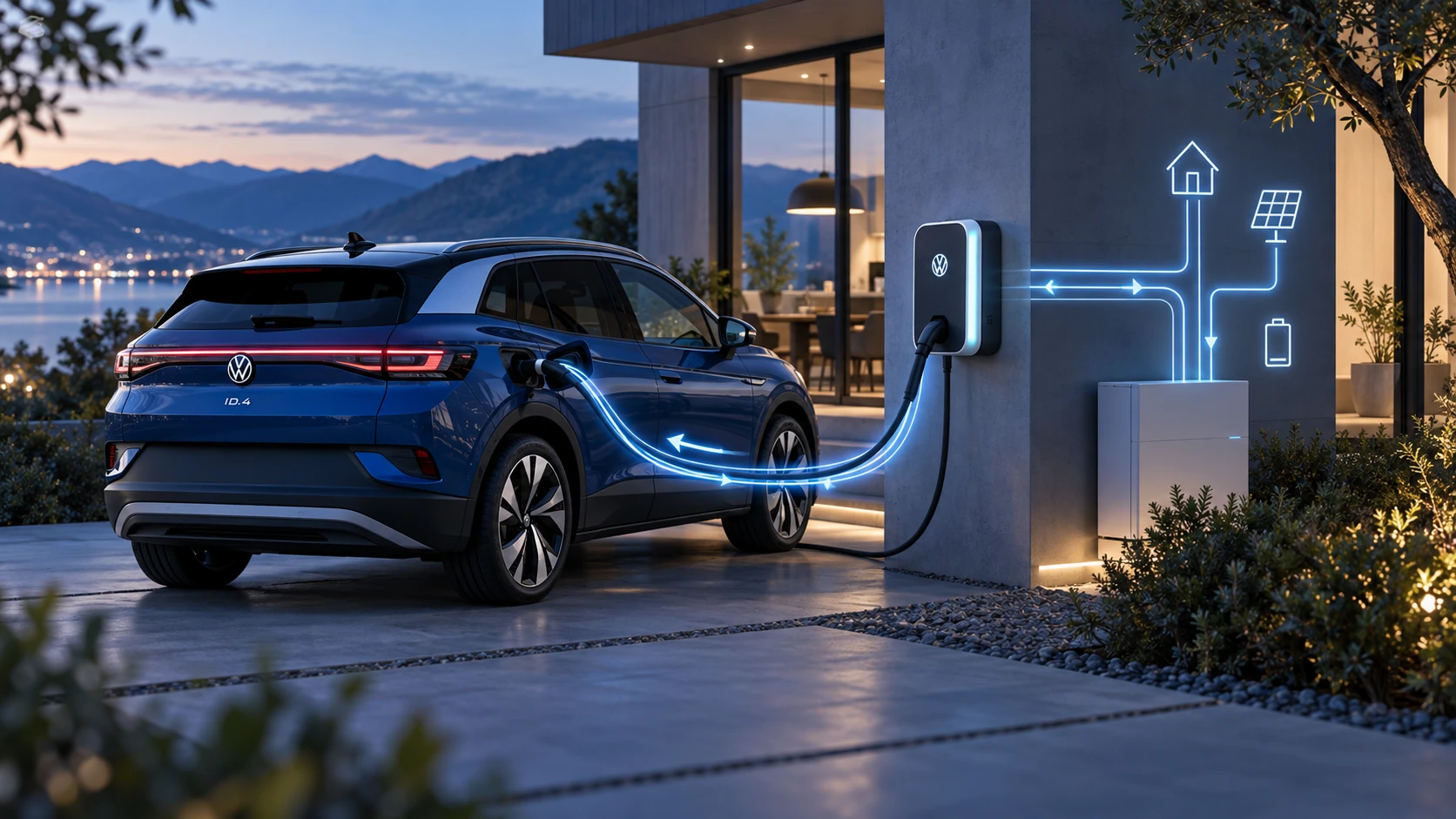 ID.4 Guide
Learn the basics of Volkswagen ID.4 bidirectional charging, including energy flow concepts, home power use and vehicle-to-home charging capability.
Read guide