



Bidirectional Charging
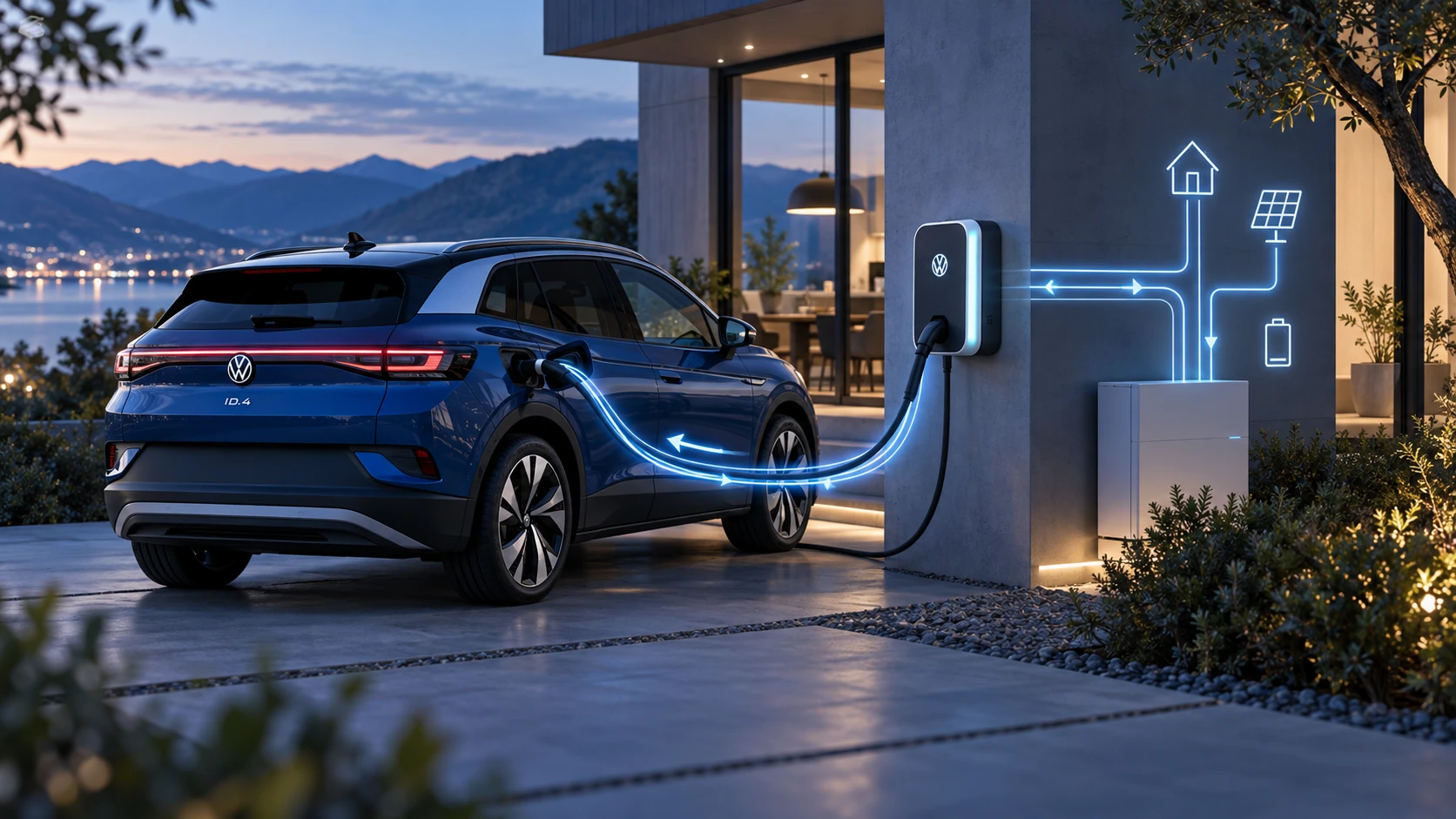
Learn the basics of Volkswagen ID.4 bidirectional charging, including energy flow concepts, home power use and vehicle-to-home charging capability.
Read guide




Switching on and off
You can check the activation status of Side Assist in the Volkswagen ID.4 via the Infotainment system and switch the function on or off as needed.
1. Open the Assistance systems menu.
2. Activate or deactivate Side Assist in the corresponding submenu.
When Side Assist is activated in the Volkswagen ID.4, the yellow indicator light
 in the housing of the outside
mirror will briefly illuminate to confirm system readiness.
in the housing of the outside
mirror will briefly illuminate to confirm system readiness.
 If a system malfunction occurs, Side Assist in the Volkswagen ID.4 may deactivate automatically.
Deactivation in Trailer Mode
If a factory-installed trailer hitch is used and electrically connected, Side Assist in the Volkswagen ID.4 is automatically deactivated. A notification will appear in the instrument cluster indicating that the system is unavailable while towing.
Once the trailer is disconnected, Side Assist in the Volkswagen ID.4 will automatically reactivate. For aftermarket trailer hitches, manual reactivation may be required.
Displays in the Outside Mirror
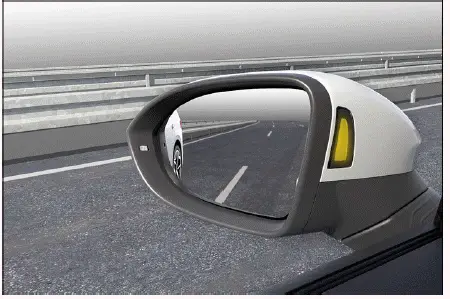
Fig. 1 In the outside mirror housing: displays of Side
Assist.
 flashing: a vehicle has been
detected in the blind spot while the turn signal is active on that side.
flashing: a vehicle has been
detected in the blind spot while the turn signal is active on that side.
 lit: another vehicle is in the blind spot or is overtaking with a speed difference of up to approx. 15 km/h (9 mph).
No indicator is shown if another vehicle is passing at a significantly higher speed.
The faster another vehicle approaches the Volkswagen ID.4, the earlier the warning indicator will activate in the mirror housing.
Lane change system "Side Assist Plus"
In Volkswagen ID.4 models equipped with Lane Assist, Side Assist Plus enhances safety by providing corrective steering input in critical situations during lane changes. This function operates at both information and warning levels and works even when the turn signal is activated.
If the driver counteracts the system’s steering input, an additional warning may be provided via steering wheel vibration. This vibration feature can be configured in the Assistance systems menu of the Volkswagen ID.4.
Brightness
The brightness of Side Assist indicators in the Volkswagen ID.4 automatically adjusts according to ambient lighting conditions.
You can also manually adjust the default brightness via the Infotainment system. During adjustment, Side Assist remains inactive.
 Some settings in the Volkswagen ID.4 can be stored in driver profiles and will automatically change when switching between users.
Troubleshooting
 Side Assist malfunction
A malfunction or fault has occurred in the Volkswagen ID.4. The yellow warning light in the instrument cluster
 illuminates along with the central warning indicator.
1. Restart the vehicle’s drive system.
2. If the issue persists, contact an authorized Volkswagen dealer or service facility for further inspection.
Volkswagen recommends professional diagnostics to maintain optimal performance of Side Assist in the Volkswagen ID.4.
Malfunctioning sensor view, malfunction message, system switches off automatically
Volkswagen recommends having the Volkswagen ID.4 inspected by qualified professionals.
The system is functioning differently than expected
Volkswagen recommends professional service to ensure the Volkswagen ID.4 operates safely.
Controls are responding differently than expected
Moisture, dirt, or grease may impair the operation of controls in the Volkswagen ID.4.
1. Always keep all control surfaces clean and dry.

Selected owner and service information from our Volkswagen ID.4 manual library.
 ID.4 Guide
Learn the basics of Volkswagen ID.4 bidirectional charging, including energy flow concepts, home power use and vehicle-to-home charging capability.
Read guide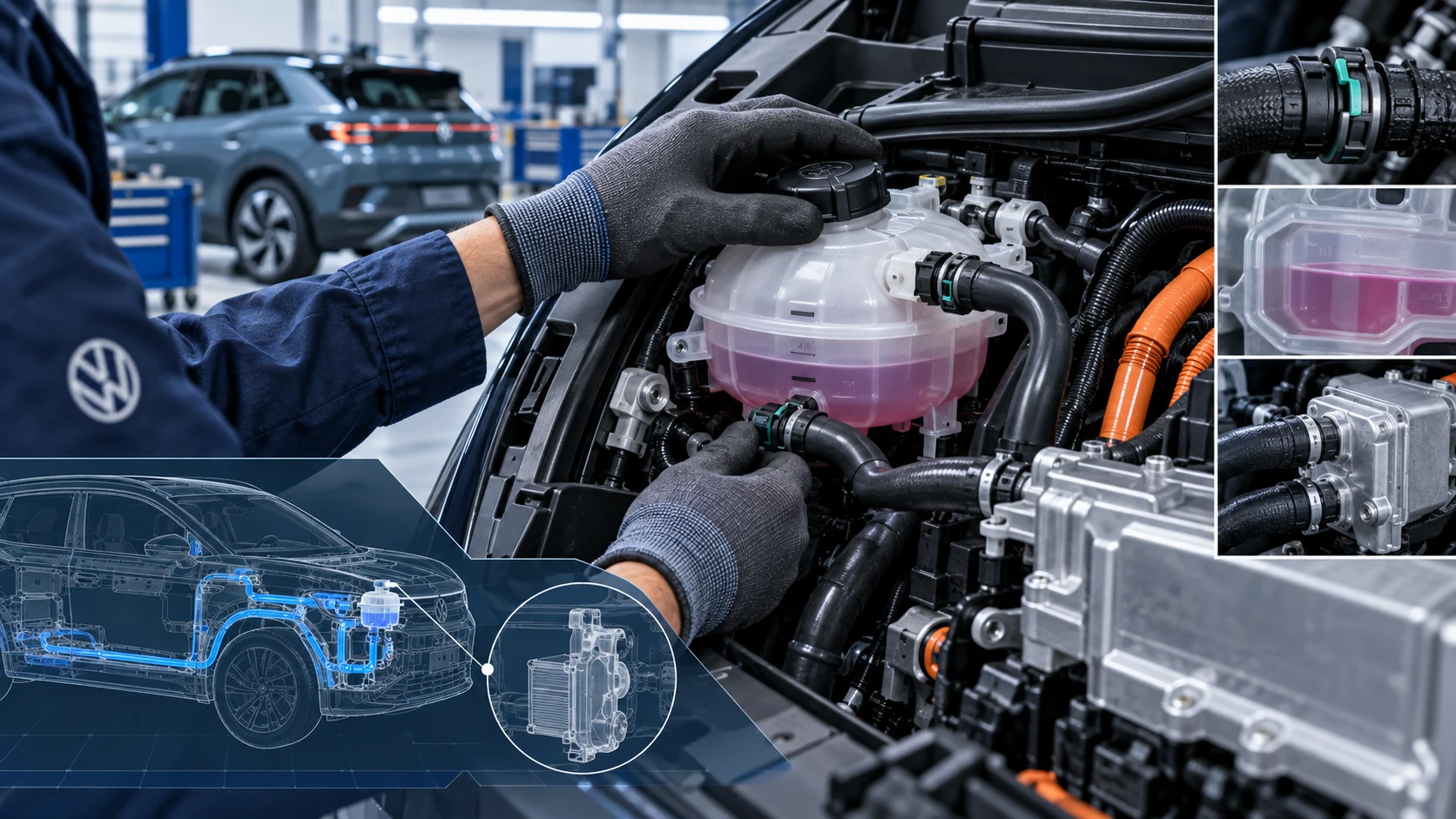 ID.4 Guide
Volkswagen ID.4 cooling system guidance covering coolant-related service information, inspection points and important precautions for thermal management components.
Read guide