



Bidirectional Charging
Learn the basics of Volkswagen ID.4 bidirectional charging, including energy flow concepts, home power use and vehicle-to-home charging capability.
Read guide




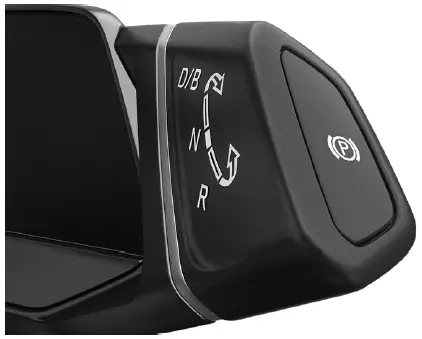
Fig. 1 On the driving mode selector: Button
 for the
electronic parking brake (general example).
for the
electronic parking brake (general example).
Switching on
1. When the Volkswagen ID.4 is stationary, press the electronic parking brake button →
 .
.
Or: Switch off the ignition to activate the electronic parking brake automatically.
 If activated, the red warning light will appear next to the gear selector.
The red
 indicator in the instrument cluster display will also illuminate.
Switching off
1. Press the brake pedal and select D, B, R, or neutral N.
The red warning light
 and indicator
 will turn off.
Switching On If You Leave the Vehicle Incorrectly
If the Volkswagen ID.4 is left with ignition on and a gear selected or in neutral, the system automatically activates the electronic parking brake →
 .
.
WARNING
Incorrect parking procedures in the Volkswagen ID.4 may result in unintended movement, even on slight slopes, increasing the risk of accidents.

Anti-roll function
The anti-roll function in the Volkswagen ID.4 allows temporary free movement of the vehicle, for example during car washing or towing.
The electronic parking brake is released when this mode is active →
 .
.
Requirements
✓ Vehicle is stationary.
✓ Ignition is switched on.
Deactivate the anti-roll function:
1. Press the brake pedal.
2. Select neutral N.
3. Confirm the message in the Infotainment system.
Alternatively, access vehicle settings → Brakes submenu and activate the function.
A permanent message will appear in the instrument cluster display.
Activate the anti-roll function:
1. Apply the brake and select a gear.
The Volkswagen ID.4 is ready to drive again.
Or: Switch off the ignition, which automatically reactivates the parking brake.
NOTICE
If the parking brake activates automatically in a car wash or while towing, it may cause damage to the Volkswagen ID.4.
Emergency braking function
Use this feature only in emergencies if the standard braking system fails →
 .
.
1. Press and hold the
 button.
The Volkswagen ID.4 will brake abruptly and emit an audible warning.
WARNING
The electronic parking brake in the Volkswagen ID.4 is not intended for normal braking. Using it can increase stopping distance and lead to dangerous situations.
 Operational noises may occur when engaging or releasing the parking brake. This is normal.
Troubleshooting
 Electronic parking brake holding force is too low
The red
 indicator flashes and a message appears.
The parking brake is not fully engaged.
1. Move the Volkswagen ID.4 to a safer, level surface and secure it properly.
 and
and
 electronic parking brake
malfunction
electronic parking brake
malfunction
The red
 indicator blinks along with additional warning lights.
There is a system fault.
1. Select a gear.
2. Press the parking brake button again
 .
.
If only the red indicator remains, the Volkswagen ID.4 is safely parked.
Version 1:
 is still on
Seek professional assistance immediately.
Version 2:
 is still on
 Do not continue driving!
Contact an authorized Volkswagen service center.
 button for the electronic
parking brake faulty
button for the electronic
parking brake faulty
If the button malfunctions, the indicator light will blink.
1. Switch off ignition to engage the brake automatically.
2. Contact an authorized Volkswagen dealer.
 Electronic parking brake
malfunction
Electronic parking brake
malfunction
The yellow warning light appears with a message.
Contact a qualified Volkswagen service center immediately.
The electronic parking brake is working, but does not switch off

Selected owner and service information from our Volkswagen ID.4 manual library.
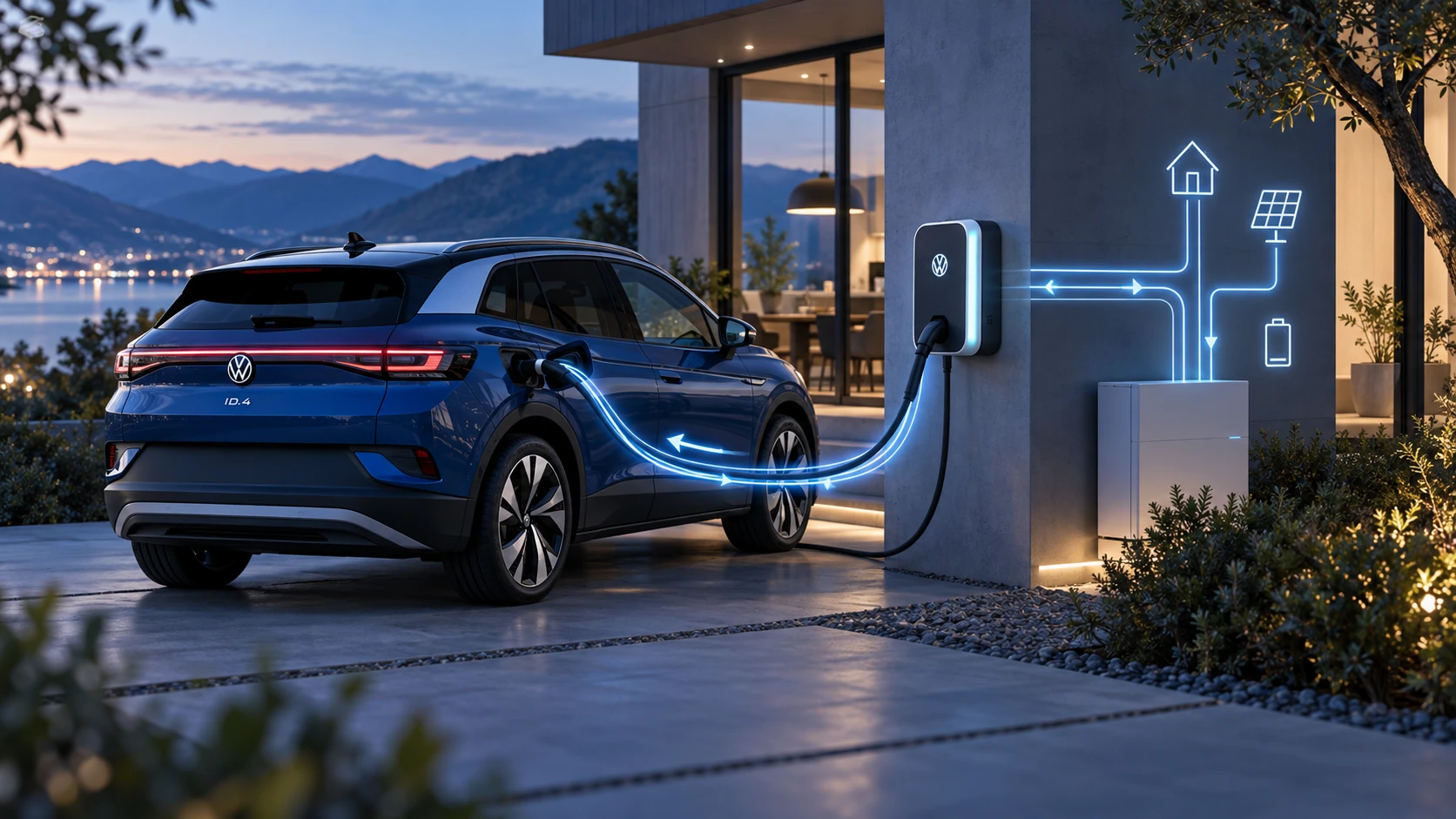 ID.4 Guide
Learn the basics of Volkswagen ID.4 bidirectional charging, including energy flow concepts, home power use and vehicle-to-home charging capability.
Read guide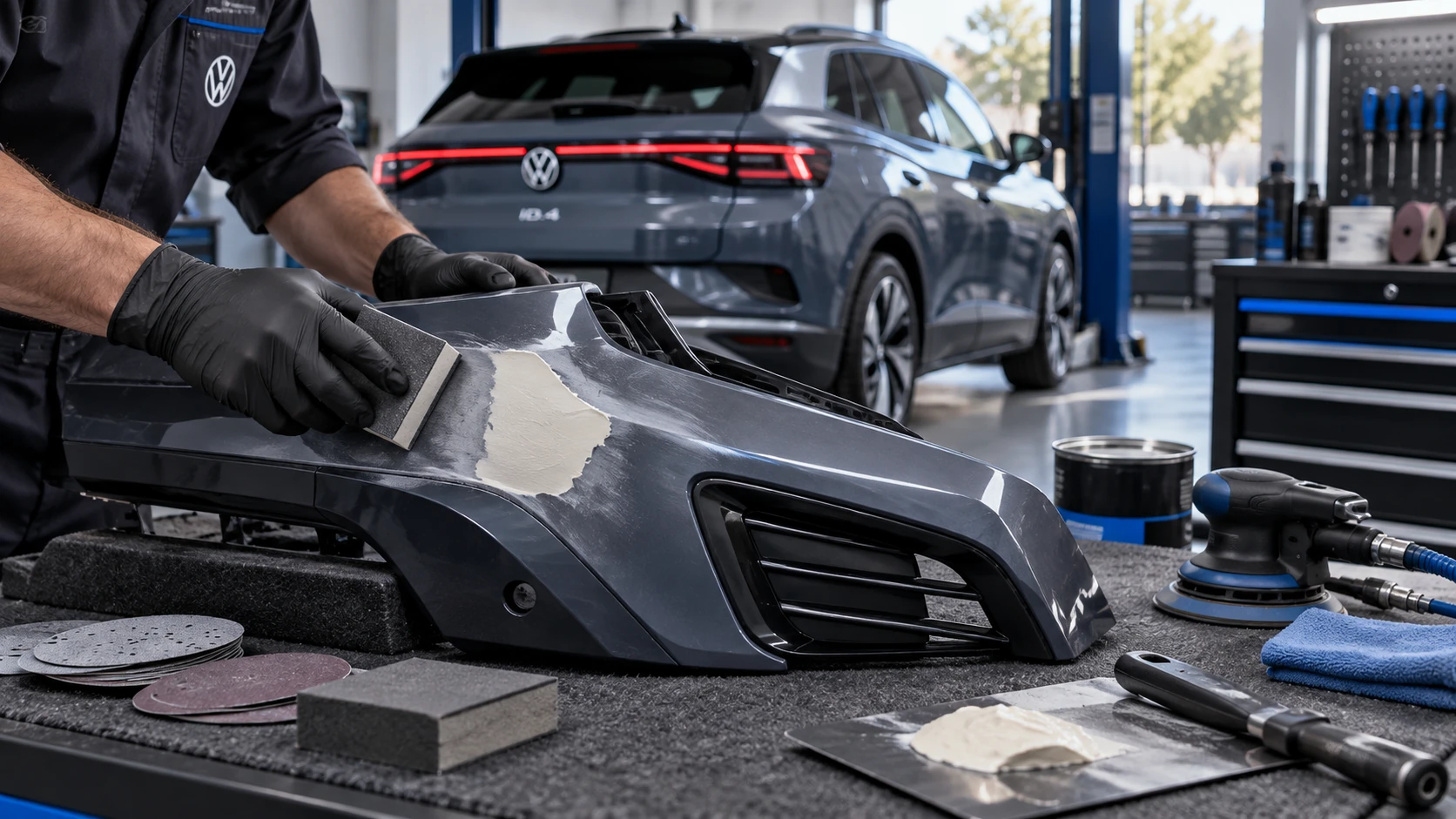 ID.4 Guide
Volkswagen ID.4 plastic repair procedures covering surface preparation, filler work, sanding and restoration of damaged plastic exterior components.
Read guide