



Apple CarPlay
See how Apple CarPlay works in the Volkswagen ID.4, including smartphone integration, navigation, calls, music and key infotainment functions.
Read guide




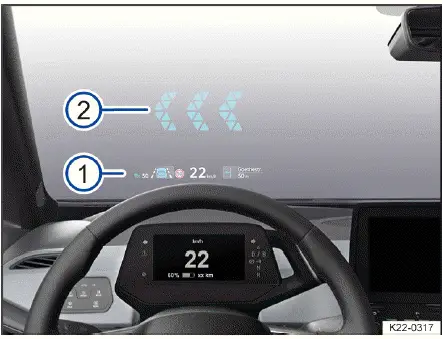
Fig. 1 Head-up display.
In the Volkswagen ID.4, the head-up display (HUD) projects selected driving information, warnings, and assistance system data directly into the driver’s field of vision, allowing you to stay focused on the road while accessing essential information.
Displays
The Volkswagen ID.4 head-up display is divided into clearly structured areas that enhance driving awareness and safety → fig. 1 :
HUD immediate area
The area closest to the driver’s field of vision
Augmented Reality HUD (AR-HUD)
In the AR HUD
Depending on the equipment version of the Volkswagen ID.4, the amount of displayed information and available features may vary.
Switching the head-up display on and off
The head-up display in the Volkswagen ID.4 can be activated or deactivated via the vehicle settings in the Infotainment system.
1. Tap the Vehicle function key.
2. In the Vehicle menu, select the Inside view and tap the Head-up display function.
3. Enable or disable the head-up display as required. Active functions are highlighted in color for clarity.
Height adjustment
To ensure optimal visibility, adjust the vertical position of the Volkswagen ID.4 head-up display according to your seating position:
1. Adjust the seat to your preferred driving position.
2. Use the on-screen controls in the Infotainment system to set the preferred height and angle of the HUD projection.
The rotation and alignment of the immediate display area can also be fine-tuned within the vehicle settings.
Settings in the Infotainment system
Additional customization options for the Volkswagen ID.4 head-up display are available through the Infotainment system:
In the Head-up display submenu:
 Some information, such as critical warning messages, cannot be hidden for safety reasons.
 The brightness of the Volkswagen ID.4 HUD automatically adapts to ambient lighting conditions, ensuring optimal readability at all times.
 Reflections may occur under strong or unfavorable sunlight conditions.
 Polarized sunglasses may reduce the readability of the HUD display.
 The optimal readability of the head-up display depends on correct seat positioning and precise HUD adjustment.
 Clean the HUD display surface only with a soft cloth and mild cleaning agents. Avoid microfiber cloths that may cause scratches.
 Certain HUD settings in the Volkswagen ID.4 can be saved in driver profiles and automatically applied when switching users.

Selected owner and service information from our Volkswagen ID.4 manual library.
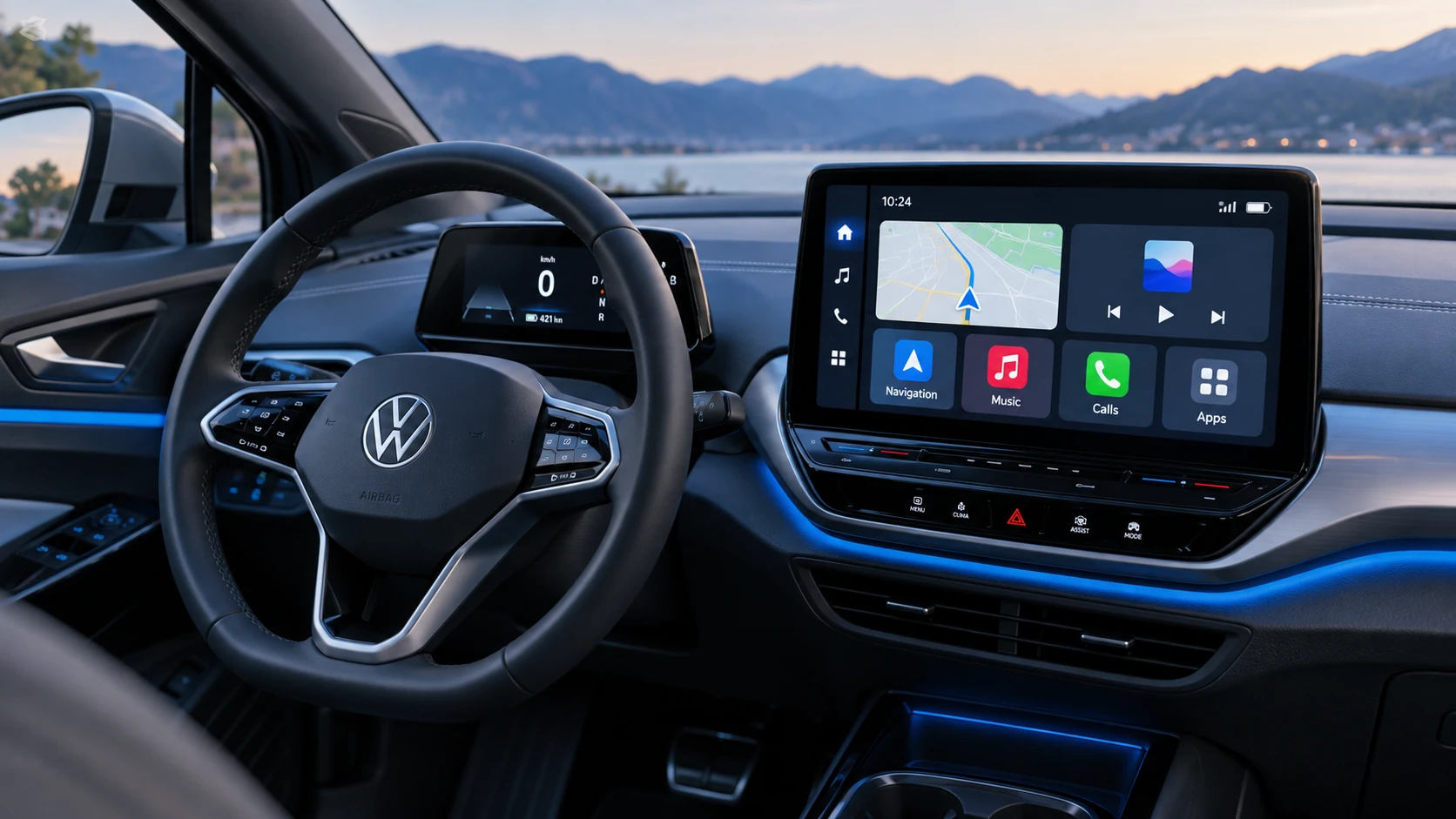 ID.4 Guide
See how Apple CarPlay works in the Volkswagen ID.4, including smartphone integration, navigation, calls, music and key infotainment functions.
Read guide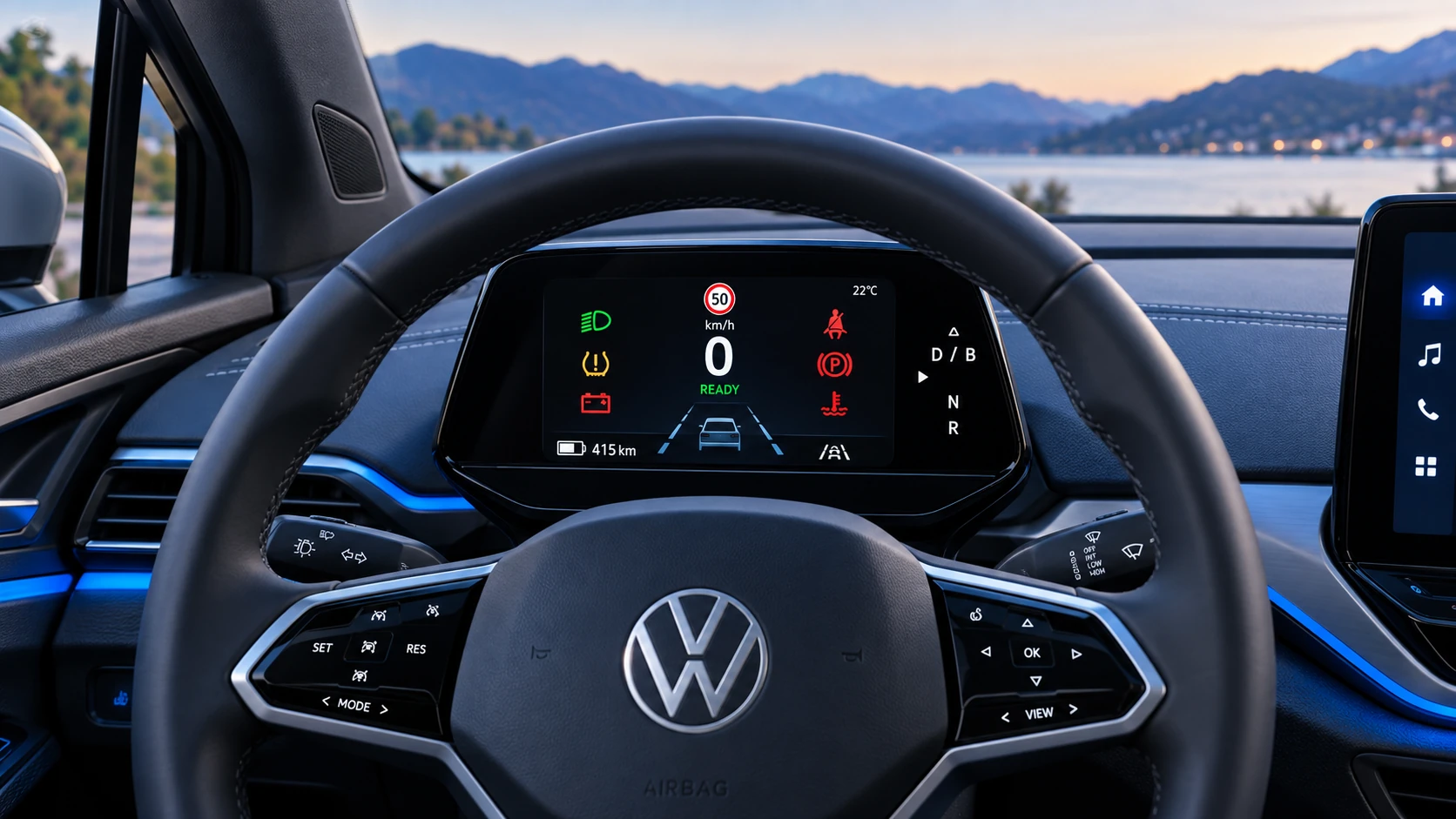 ID.4 Guide
A practical overview of Volkswagen ID.4 instrument cluster symbols, warning lights and status indicators to help drivers understand the display quickly.
Read guide