



Bidirectional Charging
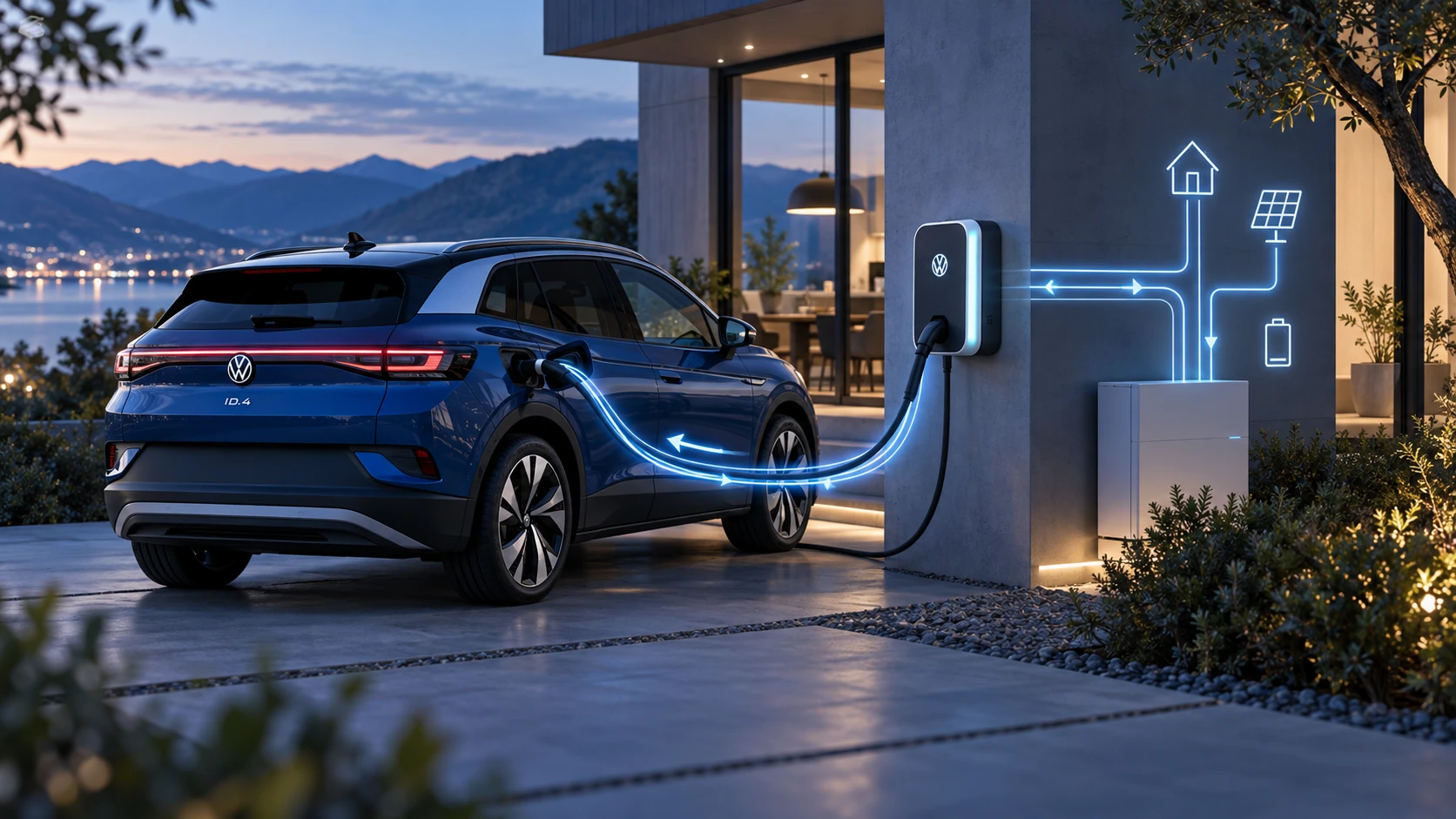
Learn the basics of Volkswagen ID.4 bidirectional charging, including energy flow concepts, home power use and vehicle-to-home charging capability.
Read guide




When replacing bulbs in the Volkswagen ID.4, always follow the steps below in the specified order to ensure safety and proper operation of the vehicle’s lighting system →
 :
:
1. Park your Volkswagen ID.4 at a safe distance from moving traffic on a stable and level surface as soon as possible.
2. Engage the electronic parking brake to secure the vehicle.
3. Switch off all exterior lights.
4. Turn off any active turn signals.
5. Deactivate drive-ready mode in the Volkswagen ID.4.
6. Allow the orientation or ambient lighting to switch off completely.
7. Wait until the affected bulbs have cooled down to avoid burns.
8. Check whether a fuse may have blown before replacing the bulb (→ Fuses).
9. Replace the faulty bulb according to the instructions →
 .
.
Always use a replacement bulb of the same type and specification as originally installed in your Volkswagen ID.4. The correct designation is typically printed on the bulb base or glass.
Avoid touching the glass part of the bulb with bare hands. Fingerprints can burn onto the surface when heated, reducing light output and potentially shortening the lifespan of the bulb.
10. After installation, check that the new bulb is functioning correctly.
If the light does not work, the bulb may not be seated properly, may have become loose, or the electrical connector may not be securely attached.
11. After replacing any front lighting components in the Volkswagen ID.4, have the headlight alignment checked by a qualified specialist. Volkswagen recommends visiting an authorized Volkswagen dealer or service facility.
WARNING
Failure to follow the correct bulb replacement procedure in the Volkswagen ID.4 may result in accidents and serious injuries.
NOTICE
Incorrect removal or installation of trim panels and headlight components may damage the paintwork and body of the Volkswagen ID.4.

Selected owner and service information from our Volkswagen ID.4 manual library.
 ID.4 Guide
Learn the basics of Volkswagen ID.4 bidirectional charging, including energy flow concepts, home power use and vehicle-to-home charging capability.
Read guide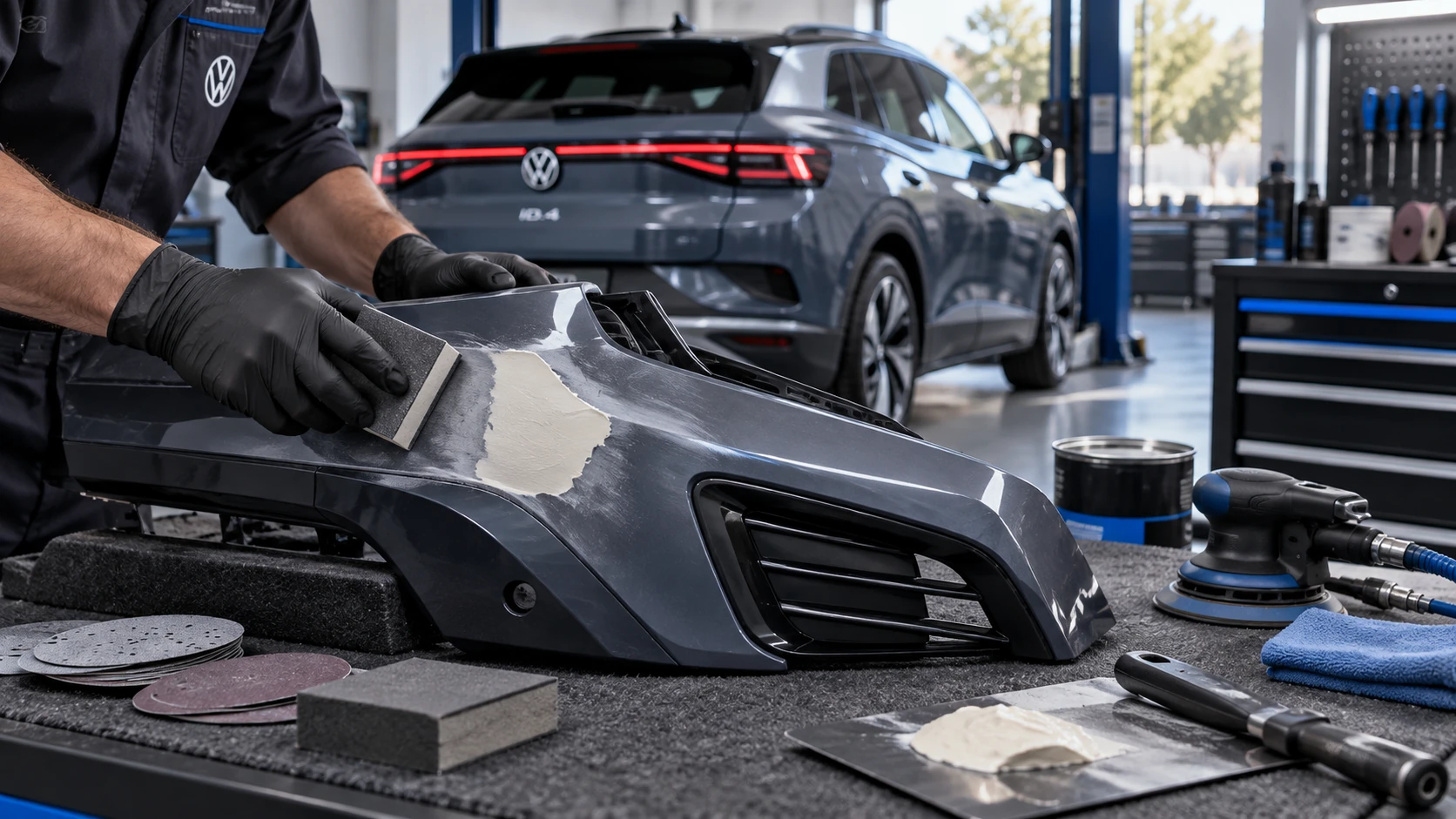 ID.4 Guide
Volkswagen ID.4 plastic repair procedures covering surface preparation, filler work, sanding and restoration of damaged plastic exterior components.
Read guide