



Joining and Separating Techniques
Practical Volkswagen ID.4 service procedures for joining and separating components, connectors and assemblies correctly and without unnecessary damage.
Read guide




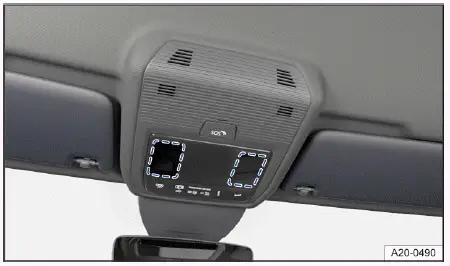
Fig. 1 On the overhead console: touch-sensitive reading lights.
Switching on or off interior and reading lights
In the Volkswagen ID.4, the interior and reading lights can be conveniently controlled via touch-sensitive buttons located on the overhead console. Simply tap the corresponding symbol:
 Switch the interior lights on or off.
 Function switched off: the interior lights in the Volkswagen ID.4 will activate automatically when unlocking or exiting the vehicle.
Touch-sensitive reading lights with manual dimming function
Depending on the equipment of your Volkswagen ID.4, touch-sensitive reading lights are available both in the roof console and above the rear doors → fig. 1. Tapping the illuminated surface turns the reading light on or off.
To adjust brightness, press and hold the illuminated area until the desired light intensity is achieved, allowing personalized comfort for all passengers in the Volkswagen ID.4.
Glove compartment and luggage compartment lights
The Volkswagen ID.4 may also include illumination for the glove compartment and luggage area, depending on trim level.
These lights automatically switch on when the glove compartment or trunk is opened and switch off again when closed, ensuring both convenience and energy efficiency.
Ambient lighting
Ambient lighting in the Volkswagen ID.4 enhances the cabin atmosphere by providing soft, indirect illumination throughout the interior.
The brightness and, depending on configuration, the color of the ambient lighting can be customized via the Ambient lighting menu in the Infotainment system (→ Vehicle settings menu). When set to Auto, the lighting color dynamically adapts based on the selected driving mode, further enhancing the driving experience.
 After the ignition is turned off, the lights in the Volkswagen ID.4 will switch off automatically once the vehicle is locked or after a short delay to prevent unnecessary battery drain.
 Certain ambient lighting settings can be stored within driver personalization profiles and will adjust automatically when switching users.

Selected owner and service information from our Volkswagen ID.4 manual library.
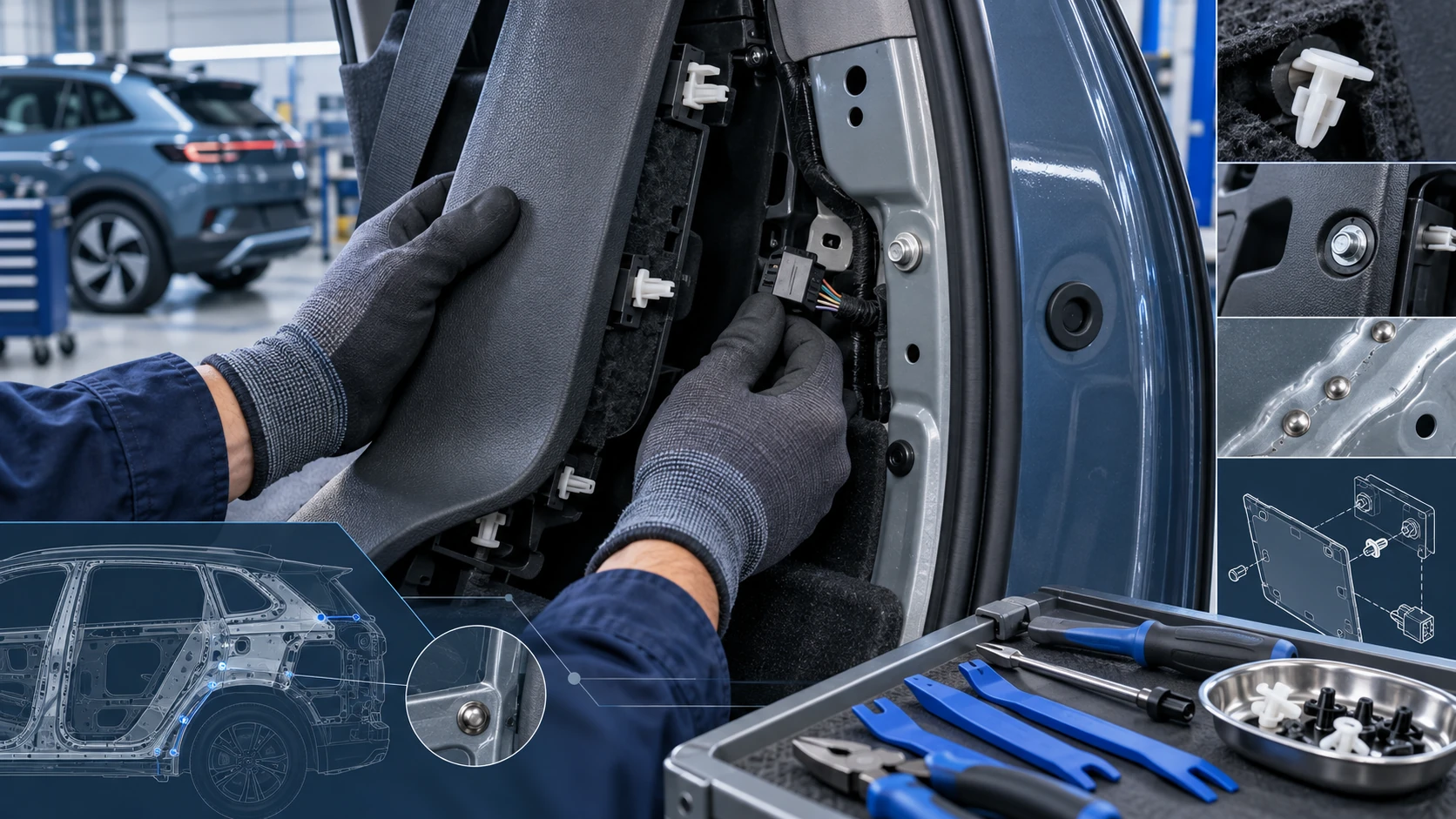 ID.4 Guide
Practical Volkswagen ID.4 service procedures for joining and separating components, connectors and assemblies correctly and without unnecessary damage.
Read guide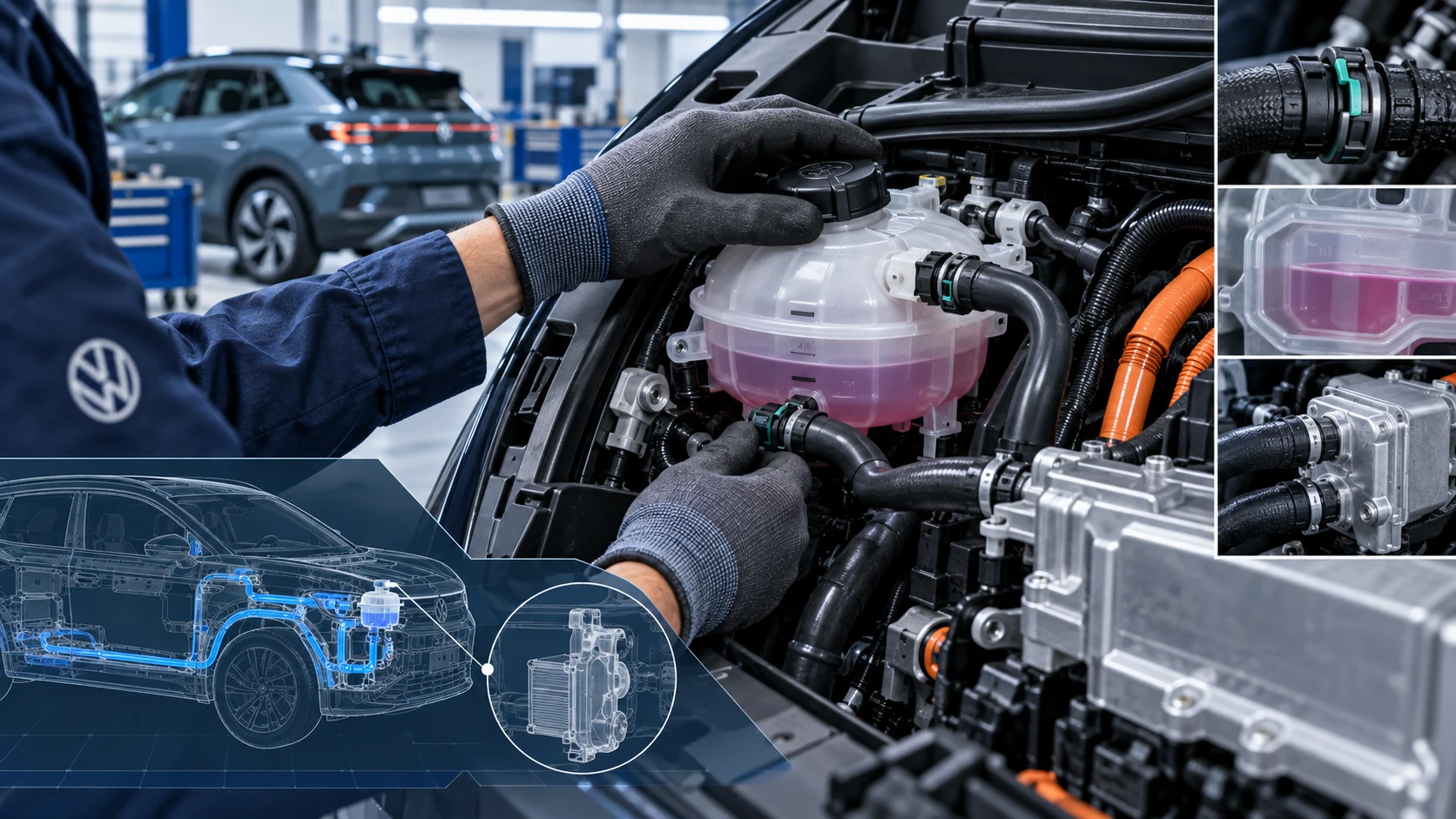 ID.4 Guide
Volkswagen ID.4 cooling system guidance covering coolant-related service information, inspection points and important precautions for thermal management components.
Read guide