



Cooling System Coolant
Volkswagen ID.4 cooling system guidance covering coolant-related service information, inspection points and important precautions for thermal management components.
Read guide




Opening the doors from the outside
The Volkswagen ID.4 features an intuitive door handle design with an integrated button located on the inner side of the handle for convenient access.
1. Unlock the Volkswagen ID.4 using the remote control vehicle key.
2. Grip the door handle and simultaneously press and hold the button located on the inside of the handle.
3. Pull the handle outward to open the door smoothly.
This system in the Volkswagen ID.4 ensures both ease of use and enhanced security during everyday operation.
Opening the doors from the inside
1. Pull the interior door opening lever until resistance is felt, then push the door open. Do not pull beyond this resistance point unnecessarily.
 If the Volkswagen ID.4 has been locked from the outside, the door opening lever must be pulled twice fully to open the door from the inside.
Indicator light in the driver's door
The central locking indicator light is integrated into the driver’s door of the Volkswagen ID.4 and provides visual feedback on the locking status.
After locking the Volkswagen ID.4, the LED indicator displays the system status for approximately 30 seconds.
Initially, the red LED blinks rapidly for around 2 seconds.
After this, the locking status is displayed for approximately 28 seconds:
Vehicles with SAFELOCK
Vehicles without SAFELOCK
After approximately 30 seconds, the LED continues to blink at a slower interval.
Special conditions
If the red LED remains continuously illuminated, this indicates a malfunction in the central locking system or anti-theft alarm system of the Volkswagen ID.4.
Automatic locking and unlocking
The Volkswagen ID.4 allows you to configure automatic locking and unlocking functions through the Infotainment system settings.
Automatic locking (Auto Lock)
The Volkswagen ID.4 automatically locks once the vehicle reaches a speed of approximately 15 km/h (9 mph). When locked, the
 indicator light on the central locking button illuminates in yellow.
Automatic unlocking (Auto Unlock)
The Volkswagen ID.4 will automatically unlock all doors and the trunk lid under the following conditions:
 The Auto Unlock feature in the Volkswagen ID.4 ensures that emergency responders can quickly access the vehicle interior when needed.

Selected owner and service information from our Volkswagen ID.4 manual library.
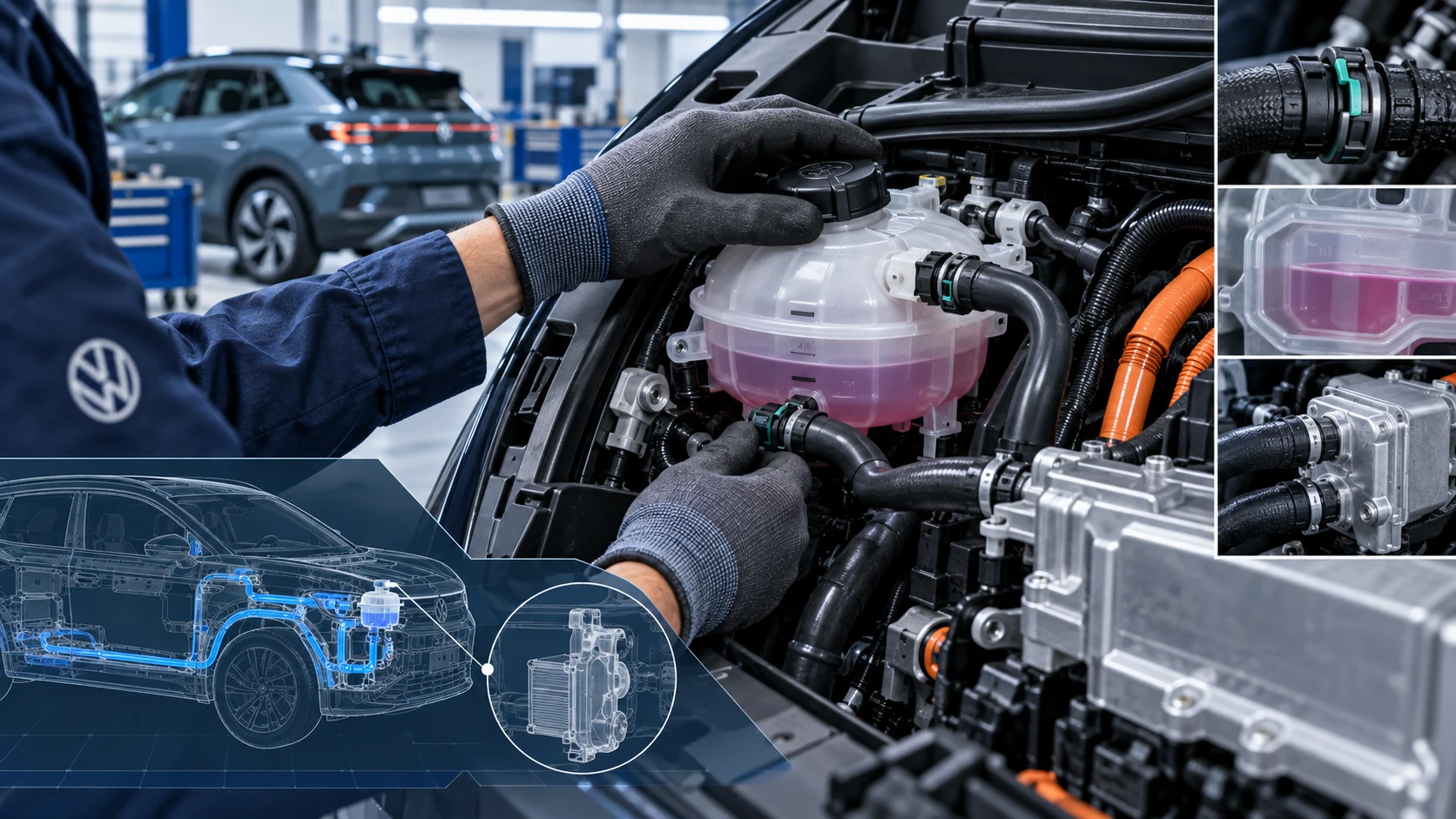 ID.4 Guide
Volkswagen ID.4 cooling system guidance covering coolant-related service information, inspection points and important precautions for thermal management components.
Read guide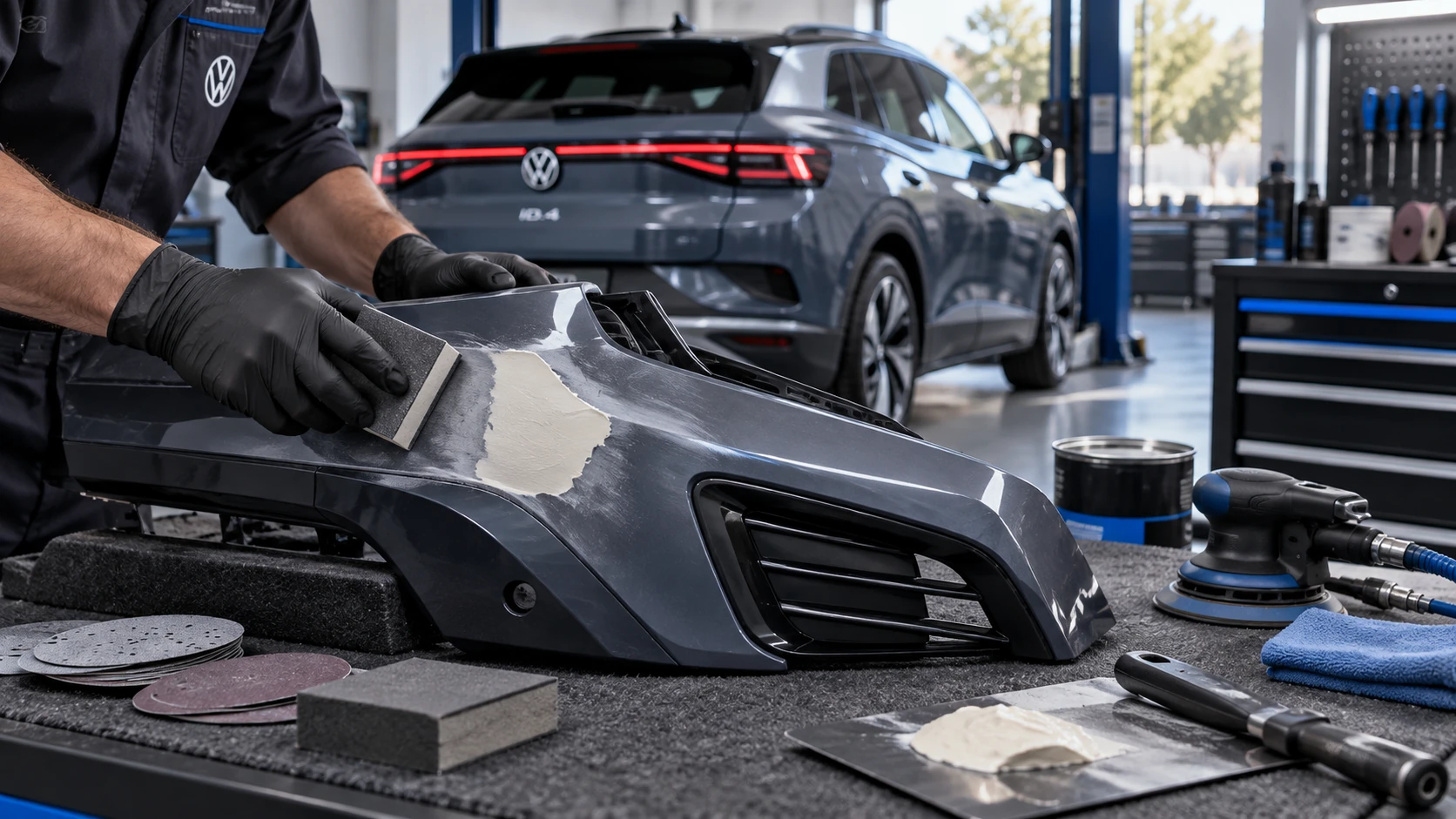 ID.4 Guide
Volkswagen ID.4 plastic repair procedures covering surface preparation, filler work, sanding and restoration of damaged plastic exterior components.
Read guide