



Plastic Repair
Volkswagen ID.4 plastic repair procedures covering surface preparation, filler work, sanding and restoration of damaged plastic exterior components.
Read guide




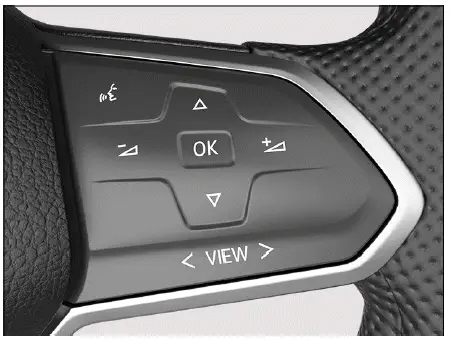
Fig. 1 Right side of the multi-function steering wheel: operating the Volkswagen Digital Cockpit in the Volkswagen ID.4.
Views in the display
In the Volkswagen ID.4, all relevant information and warnings are presented as dynamic events within the digital instrument cluster. These events appear as pop-up notifications from the top of the screen and automatically disappear after a short period, allowing the driver to stay informed without unnecessary distraction. This intelligent display concept ensures that the Volkswagen ID.4 delivers both clarity and safety.
The various display views in the Volkswagen ID.4 Digital Cockpit provide a clear and structured overview of essential vehicle data, navigation instructions, and information from driver assistance systems. This allows the driver to adapt the display to their personal preferences and driving situation.
Depending on the equipment level of the Volkswagen ID.4, the amount and type of information displayed may vary, offering a customizable and modern driving experience.
The digital instrument cluster in the Volkswagen ID.4 can present the following views:
Summary
Before drive-ready mode is activated: display with key information such as total mileage, high-voltage battery charge level, and estimated driving range.
Basic
Driving-related displays including speed, navigation prompts, and driver assistance system status.
Driver assistance systems
Displays active assistance systems and current speed, while navigation information is minimized for better focus.
Navigation
Shows route guidance details and speed information, while graphical assistance system elements are hidden.
 Situation-related messages, such as navigation instructions or alerts, are displayed as pop-ups in the Volkswagen ID.4 Digital Cockpit.
Setting views
You can switch between different views in the Volkswagen ID.4 using the control elements on the multi-function steering wheel. This ensures intuitive and safe operation without removing focus from the road.
You can select the "driver assistance systems" view and the "navigation" view using the
 button on the
multi-function steering wheel.
button on the
multi-function steering wheel.
 button in the
right-hand section or swipe to the right to switch to the "Navigation" view in the Volkswagen ID.4.
button in the
right-hand section or swipe to the right to switch to the "Navigation" view in the Volkswagen ID.4.
 If warning messages about malfunctions appear when the ignition is switched on, certain settings or displays may not behave as expected. If the malfunction persists, consult a qualified specialist.
Volkswagen recommends contacting an authorized Volkswagen dealer or authorized Volkswagen Service Facility for professional support.
WARNING
Operating the Volkswagen Digital Cockpit or Infotainment system while driving the Volkswagen ID.4 may distract the driver. Driver distraction can lead to accidents, serious injuries, or fatal consequences.

Selected owner and service information from our Volkswagen ID.4 manual library.
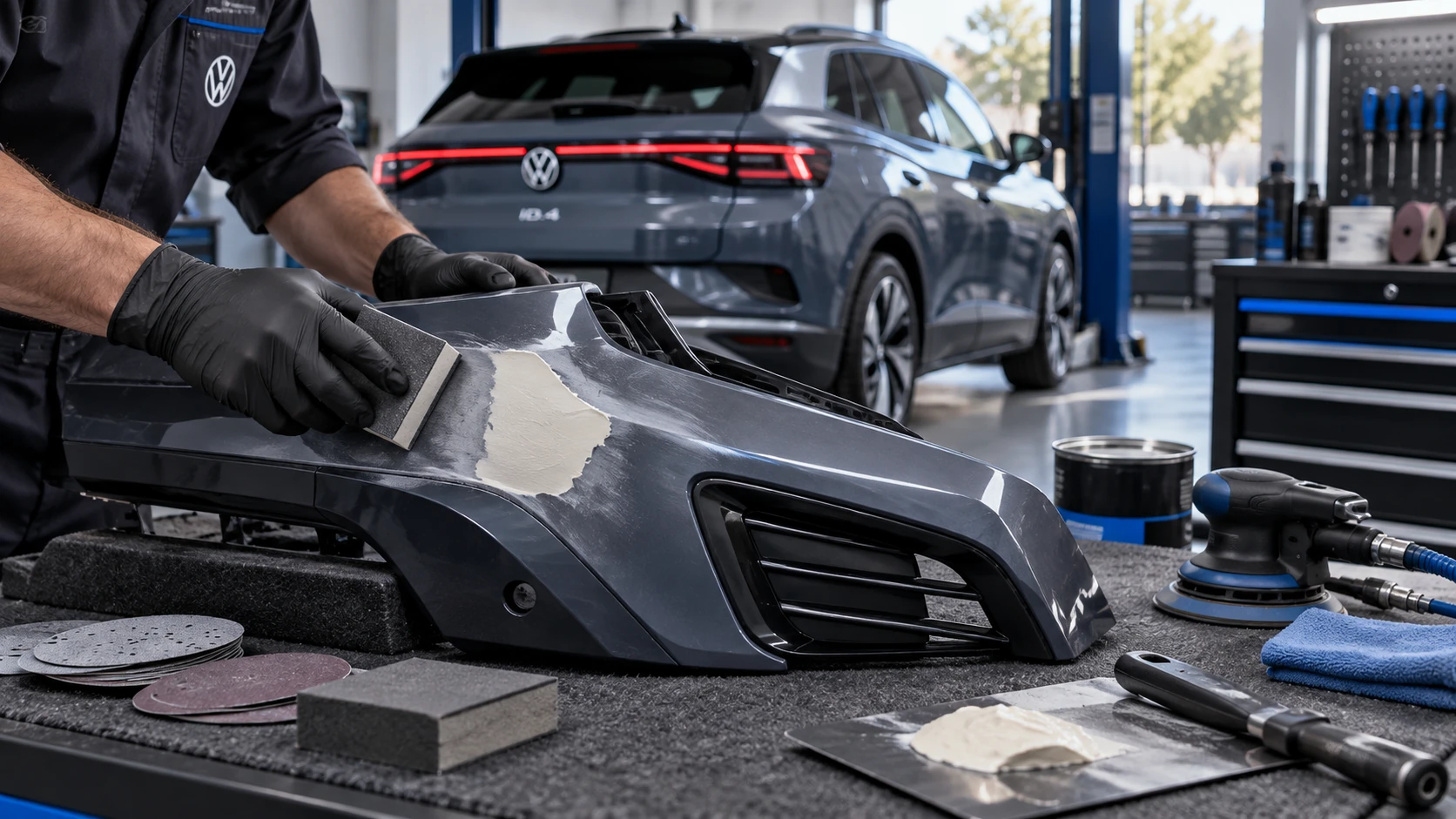 ID.4 Guide
Volkswagen ID.4 plastic repair procedures covering surface preparation, filler work, sanding and restoration of damaged plastic exterior components.
Read guide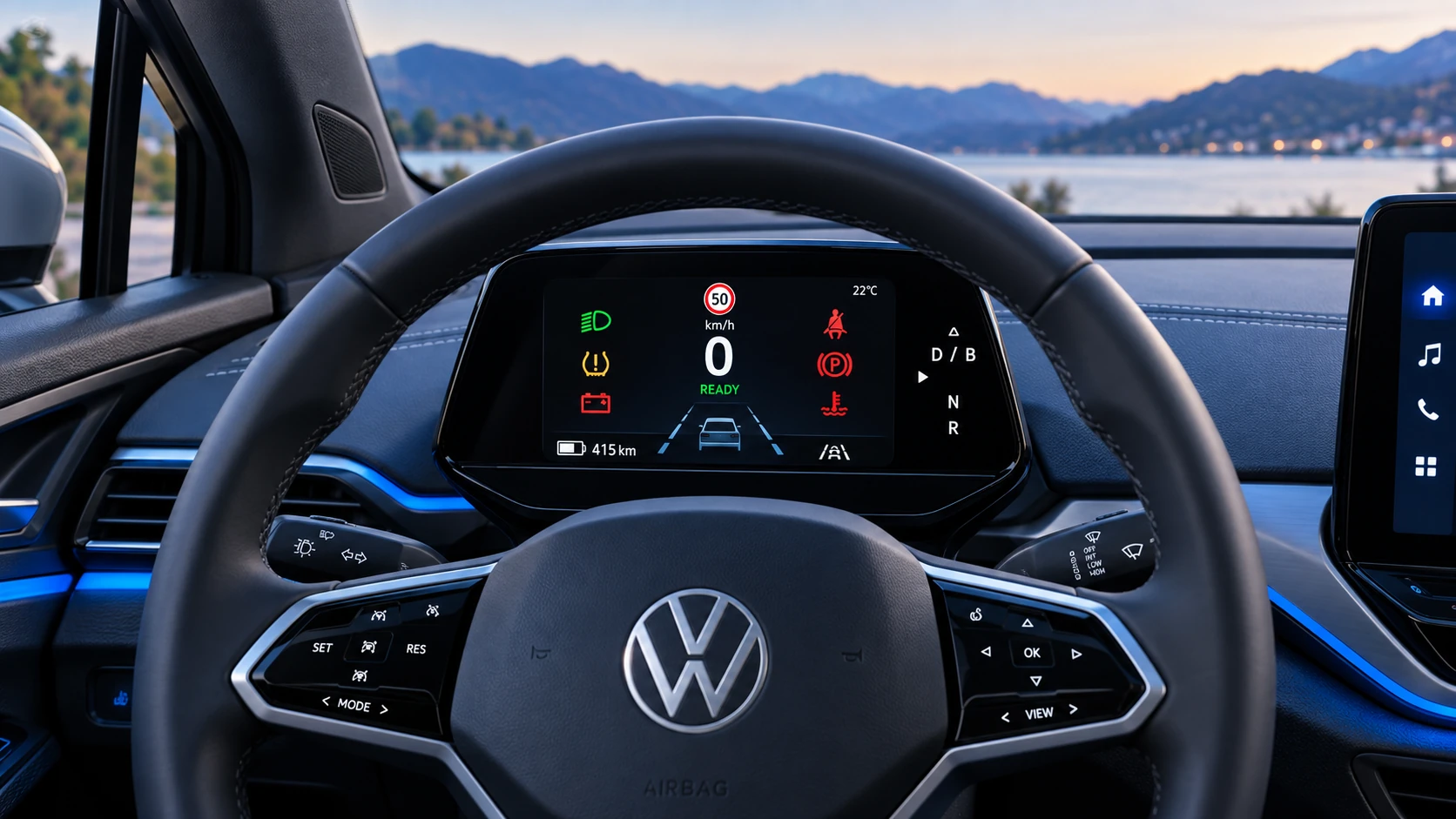 ID.4 Guide
A practical overview of Volkswagen ID.4 instrument cluster symbols, warning lights and status indicators to help drivers understand the display quickly.
Read guide