



Joining and Separating Techniques
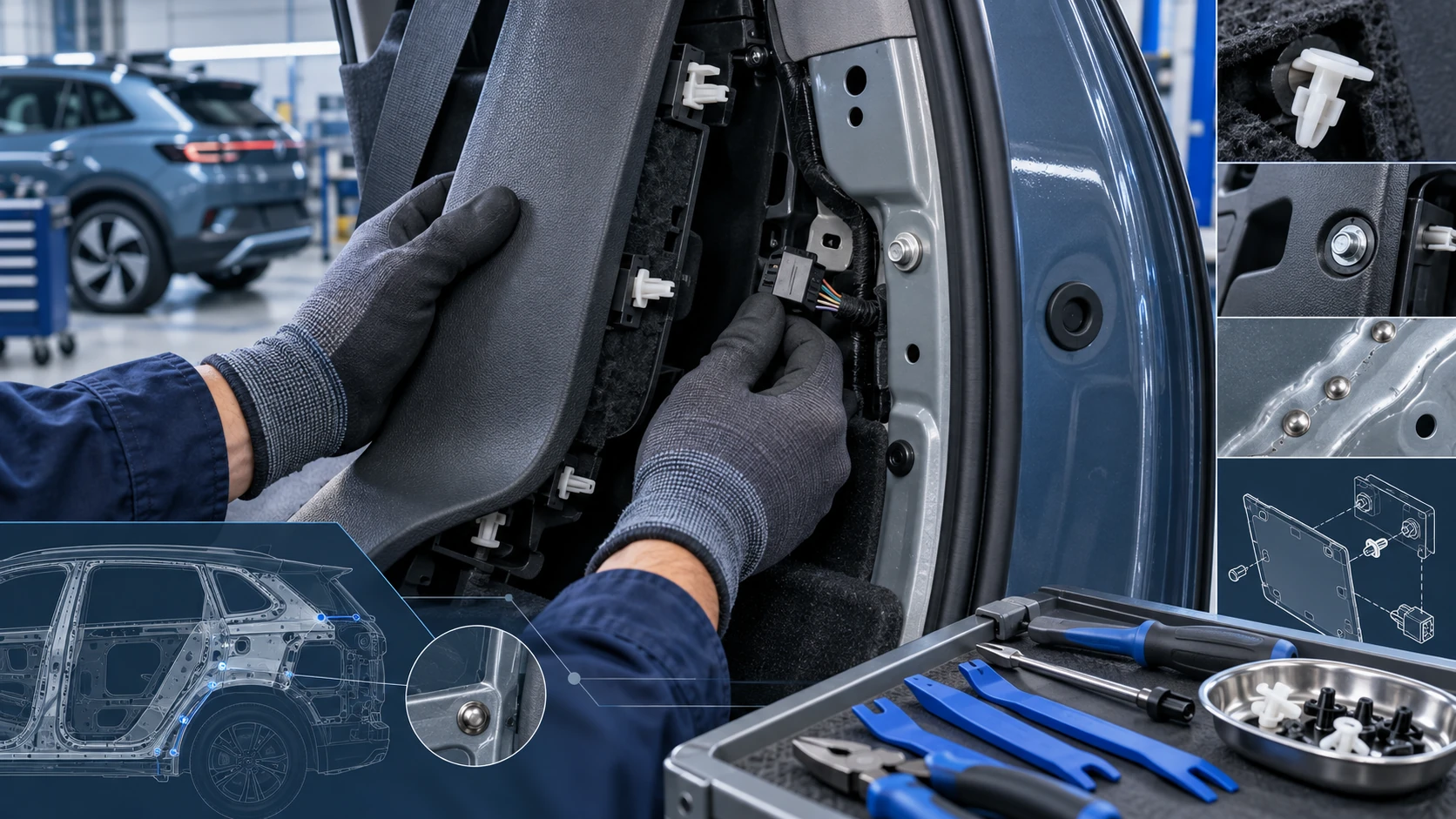
Practical Volkswagen ID.4 service procedures for joining and separating components, connectors and assemblies correctly and without unnecessary damage.
Read guide




Switching on
1. Engage reverse gear in the Volkswagen ID.4 to automatically activate Park Distance Control.
Or: tap the
 control in the upper
section of the center console. Then, if required, tap the
control in the upper
section of the center console. Then, if required, tap the
 function key in the
Infotainment system.
function key in the
Infotainment system.
Or: the Volkswagen ID.4 will activate Park Distance Control automatically when rolling backward.
Switching off
1. Tap the
 function key.
Or: the Volkswagen ID.4 accelerates forward to speeds above approximately 10 km/h (6 mph) up to around 15 km/h (9 mph).
Or: tap the
 control in the upper
section of the center console.
control in the upper
section of the center console.
Or: the electronic parking brake is activated in the Volkswagen ID.4.
Automatic activation when driving forward
If the Volkswagen ID.4 approaches an obstacle at low speed, Park Distance Control will automatically activate to assist the driver.
1. Tap the
 control in the upper
section of the center console.
control in the upper
section of the center console.
2. Enable or disable the automatic activation function.
If the driver deactivates Park Distance Control in the Volkswagen ID.4, automatic activation will no longer occur.
Automatic activation becomes available again under the following conditions:
Or: the ignition is switched off and then on again.
 If an obstacle is detected in front of the Volkswagen ID.4, the Infotainment display activates automatically. As the vehicle approaches the obstacle, audible warning signals will also sound.
Introduction
The Rear View Camera system in the Volkswagen ID.4 provides a clear view of the area behind the vehicle and assists the driver during parking and reversing maneuvers.
System function
The Rear View Camera system displays the area behind the Volkswagen ID.4 on the Infotainment screen. Depending on equipment and mode, dynamic or static orientation lines help guide the driver when reversing →
 .
.
WARNING
The Rear View Camera system in the Volkswagen ID.4 is only a support tool and does not replace driver attention. Distance estimation using the camera image may not always be accurate, which can lead to accidents or injuries.
 The orientation lines displayed on the screen are fixed references and do not adjust to real-time obstacles. The driver of the Volkswagen ID.4 must independently assess whether the available space is sufficient.
 If a trailer is connected to a factory-installed hitch, the orientation lines in the rear camera view are automatically hidden.
 If the camera is mounted in the trunk lid, the orientation lines will also be hidden when the trunk lid is open.
Switching the Rear View Camera system on and off
Switching on
1. Select
 reverse gear to activate the Rear View Camera in the Volkswagen ID.4.
Or: tap the control in the upper center console. If available, then select the
 function key in the Infotainment system.
Switching off
1. The Rear View Camera system switches off automatically when the Volkswagen ID.4 exceeds approximately 15 km/h (9 mph).
Or: Tap the
 or
or
 function key on the Infotainment display.
For optimal performance, ensure the camera lens and sensors of the Volkswagen ID.4 remain clean, and always combine system assistance with careful observation of the surroundings.

Selected owner and service information from our Volkswagen ID.4 manual library.
 ID.4 Guide
Practical Volkswagen ID.4 service procedures for joining and separating components, connectors and assemblies correctly and without unnecessary damage.
Read guide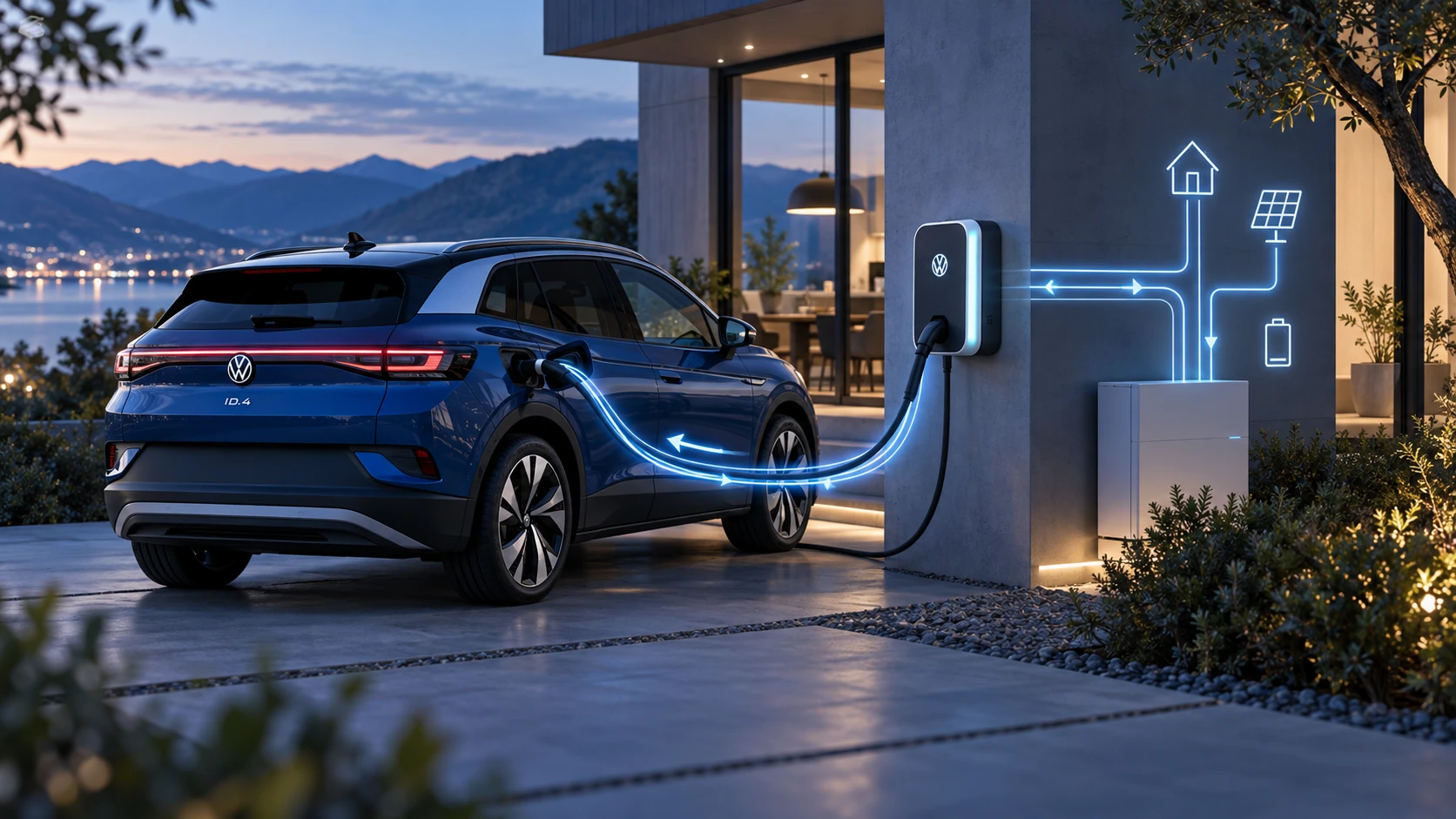 ID.4 Guide
Learn the basics of Volkswagen ID.4 bidirectional charging, including energy flow concepts, home power use and vehicle-to-home charging capability.
Read guide