



Joining and Separating Techniques
Practical Volkswagen ID.4 service procedures for joining and separating components, connectors and assemblies correctly and without unnecessary damage.
Read guide




Screen display
 Perpendicular parking: In the Volkswagen ID.4, dynamic guide lines assist when reversing into parking spaces positioned perpendicular to the road, helping the driver align the vehicle accurately.
 Cross traffic: The system displays a wide-angle view of the area behind and to the sides of the Volkswagen ID.4, improving awareness of approaching vehicles or obstacles.
 Trailer or terrain assistance: A zoomed-in image of the area directly behind the Volkswagen ID.4 with detailed guide lines supports precise maneuvering (availability depends on market).
 Red line: Indicates the safety boundary behind the Volkswagen ID.4. When reached, immediate braking is required.
 Yellow lines: Show the projected path of the Volkswagen ID.4 based on the current steering angle.
 Green horizontal lines: Represent general distance boundaries to assist positioning.
 Adjust the brightness, contrast, and color of the camera image to improve visibility in the Volkswagen ID.4.
USA and Canada: When the rear camera view in the Volkswagen ID.4 is activated automatically by selecting reverse gear, function keys are hidden for safety. They can be displayed again by tapping the function key
 .
.
Parking mode: Parking perpendicular to the road
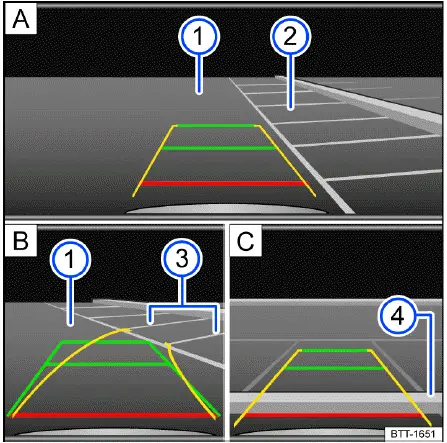
Fig. 1 Infotainment system: Parking perpendicular to the
road.
1. Press the
 control panel for
parking functions before passing the
control panel for
parking functions before passing the
 selected parking space. Then activate the
function key in the Infotainment system if needed.
selected parking space. Then activate the
function key in the Infotainment system if needed.
2. Select the desired parking mode using the
 function key.
3. Position the Volkswagen ID.4 in front of the parking space → fig. 1 A -2-.
4. Turn the steering wheel so the yellow guide lines lead into the parking space. Align the green and yellow lines with the side boundaries → fig. 1 B -3-.
5. Stop the Volkswagen ID.4 when the red line reaches the rear boundary → fig. 1 C -4-.
Parking mode: Trailer support
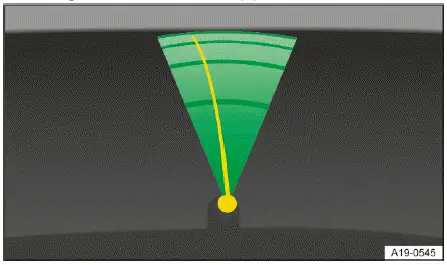
Fig. 2 Infotainment system: Trailer support.
For Volkswagen ID.4 models equipped with a factory-installed trailer hitch, trailer support assists with aligning the vehicle precisely to the trailer coupling.
1. Select the trailer mode via the
 function key.
The camera view shows the trailer hitch in the lower section of the display. Colored guide lines simplify the coupling process → fig. 2.
 Green lines: indicate the distance to the trailer hitch.
 Orange line: shows the predicted path of the hitch based on steering input.
Introduction
Area View in the Volkswagen ID.4 provides a comprehensive real-time overview of the vehicle’s surroundings, helping to detect obstacles that may not be visible from the driver’s seat.
System function
The Area View system in the Volkswagen ID.4 combines multiple cameras, including the rear view camera, front camera, and side mirror cameras, to create a complete image of the vehicle’s environment →
 .
.
The available functions and displays may vary depending on equipment, for example integration with Park Distance Control.
WARNING
Area View in the Volkswagen ID.4 is a support system and cannot replace driver awareness. Distance estimation based on camera images may not be accurate, increasing the risk of accidents.
Switching on and off
Switching on
1. Engage reverse gear in the Volkswagen ID.4.
Or: tap the
 control in the upper
section of the center console. Then select the
control in the upper
section of the center console. Then select the
 function key on the
Infotainment screen.
function key on the
Infotainment screen.
Switching off
1. The system deactivates automatically when the Volkswagen ID.4 exceeds approximately 15 km/h (9 mph).
Or: Tap the
 or
or
 function key on the Infotainment display.
Or: tap the
 control for parking
functions.
control for parking
functions.
For best results, always keep camera lenses clean and use Area View in the Volkswagen ID.4 as a support tool alongside careful observation of your surroundings.

Selected owner and service information from our Volkswagen ID.4 manual library.
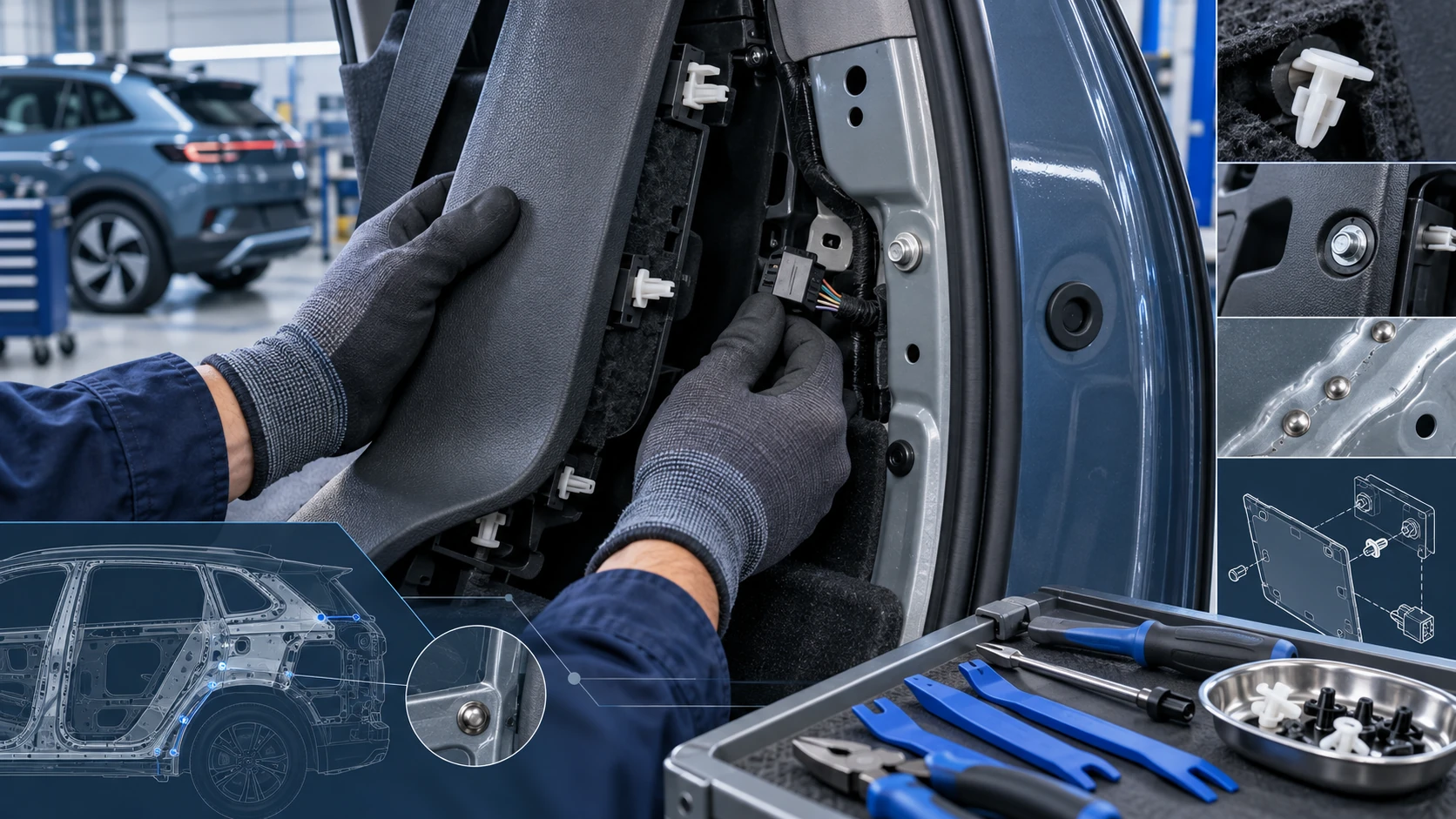 ID.4 Guide
Practical Volkswagen ID.4 service procedures for joining and separating components, connectors and assemblies correctly and without unnecessary damage.
Read guide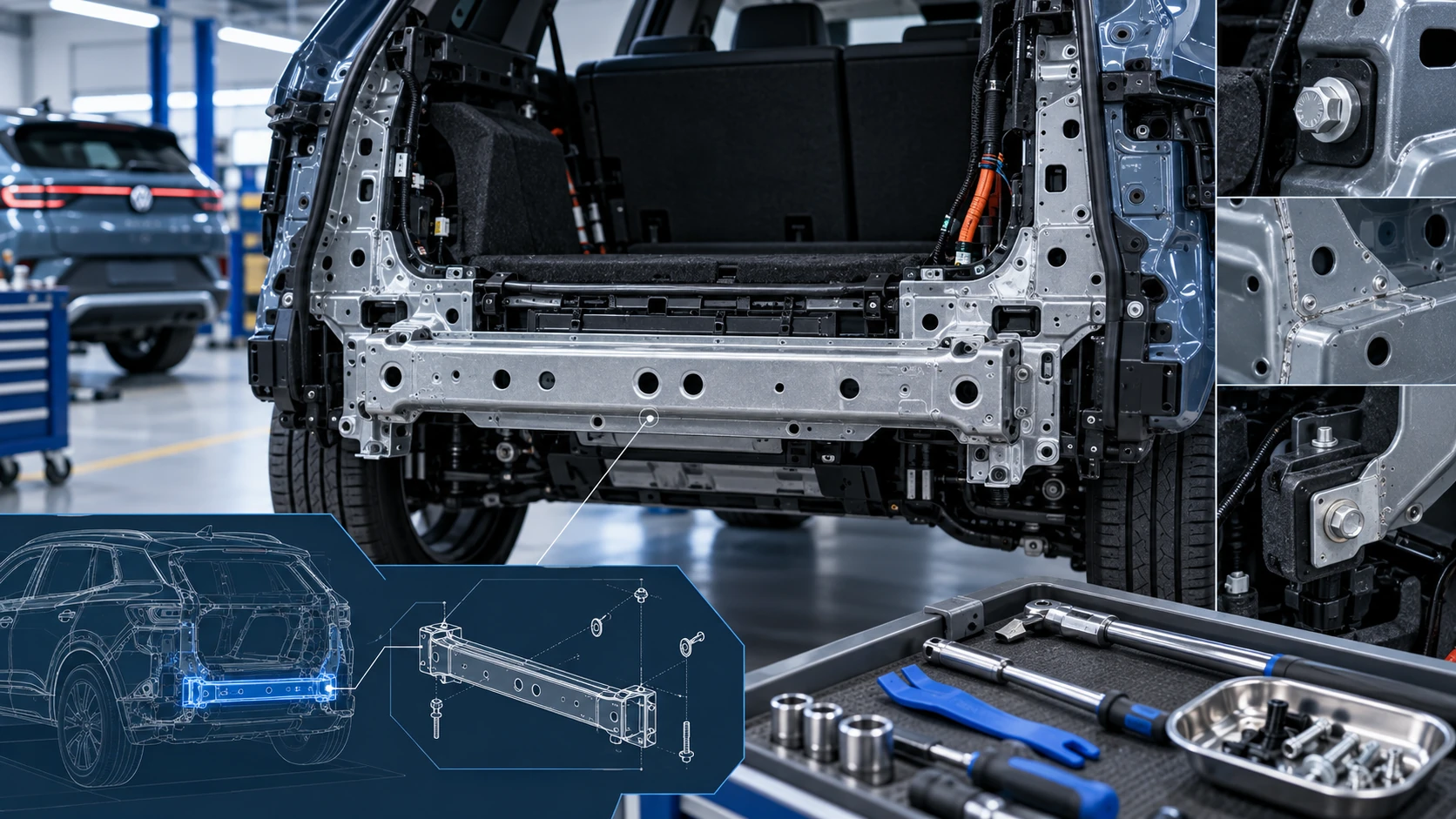 ID.4 Guide
Service information for the Volkswagen ID.4 rear cross member, including component location, attachment points and repair-oriented removal and installation guidance.
Read guide