



Rear Cross Member
Service information for the Volkswagen ID.4 rear cross member, including component location, attachment points and repair-oriented removal and installation guidance.
Read guide




When the 3-blink turn signal is activated in the Volkswagen ID.4, the vehicle can support the driver during lane changes on multi-lane highways within defined system limits, provided that sufficient space around the vehicle is detected.
Assisted lane changing in the Volkswagen ID.4 relies on the same advanced sensor systems as the Lane Change System (Side Assist) and parking assistance technologies. For this reason, it is important to carefully review all related information about Side Assist and parking systems, as well as their limitations, to fully understand how the Volkswagen ID.4 behaves in different traffic scenarios.
Requirements
Assisted lane changing in the Volkswagen ID.4 is available only under specific conditions. The vehicle must be driving forward on multi-lane highways that are included in the navigation system data, and the speed must exceed approximately 90 km/h (55 mph).
Additionally, Travel Assist must be activated in the Volkswagen ID.4, and the 3-blink turn signal function must be enabled in the vehicle settings (→ Vehicle settings menu).
Displays
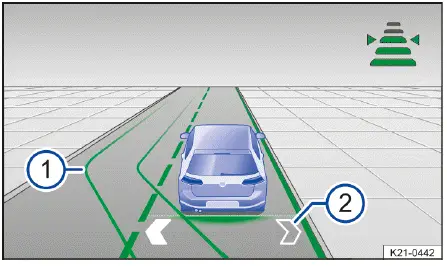
Fig. 1 In the instrument cluster display: displays for
assisted lane changing (general example).
Switching assisted lane changing on and off
You can enable or disable assisted lane changing in the Volkswagen ID.4 through the Infotainment system.
1. Open the Assistance systems menu.
2. Select Travel Assist.
3. Activate or deactivate assisted lane changing as a sub-function of Travel Assist.
 If a system malfunction occurs, assisted lane changing in the Volkswagen ID.4 may be automatically switched off or interrupted during operation.
 If Side Assist is not available, assisted lane changing will also be unavailable in the Volkswagen ID.4.
Activating assisted lane changing
1. Press the
 button while
driving.
button while
driving.
Assisted lane changing is now active in the Volkswagen ID.4. The arrows displayed in the instrument cluster will initially appear in grey → fig. 1 -2-, indicating that the system is ready but awaiting suitable conditions.
Changing lanes
If the sensors in the Volkswagen ID.4 do not detect any vehicles or obstacles in the monitored area and a lane change is safe, the adjacent lane will be visually highlighted in the instrument cluster.
At the same time, the directional arrow for the selected side turns white → fig. 1 -2-, confirming that the maneuver is possible.
1. Activate the 3-blink turn signal on the desired side.
The Volkswagen ID.4 will automatically perform the lane change. A confirmation message appears in the instrument cluster, and the lane change is visually indicated → fig. 1 -1-.
During the maneuver, the Volkswagen ID.4 automatically activates the turn signal. Once the lane change is completed, the turn signal is switched off automatically.
WARNING
Assisted lane changing in the Volkswagen ID.4 does not replace driver attention and functions only within system limitations.
The system may not detect all vehicles or objects and may react too late or incorrectly. Improper use may result in accidents, serious injuries, or fatalities.
Deactivating assisted lane changing
1. Press the
 button briefly.
Or: Press the brake pedal.
Assisted lane changing and Travel Assist will be deactivated in the Volkswagen ID.4, returning full control to the driver.
Troubleshooting
 Travel Assist is not
available or is not functioning as expected
Travel Assist is not
available or is not functioning as expected
The yellow warning indicator appears in the Volkswagen ID.4, along with a message in the instrument cluster display.
Volkswagen recommends contacting an authorized Volkswagen dealer or authorized Volkswagen Service Facility for professional diagnostics and maintenance of your Volkswagen ID.4, ensuring all driver assistance systems function reliably and safely.
 Take over the steering
In the Volkswagen ID.4, a white warning indicator will illuminate and a message will appear in the instrument cluster display.
This occurs when the system detects that the driver has released the steering wheel for a short period of time.
1. Place your hands back on the steering wheel and resume control of the Volkswagen ID.4 immediately.
 Take over the steering
immediately
Take over the steering
immediately
A red warning indicator will appear in the Volkswagen ID.4, accompanied by a message in the instrument cluster. Depending on the situation, an audible alert will sound or the steering wheel will vibrate.
This warning is triggered when the driver has not held the steering wheel for an extended period or when the system limits of the Volkswagen ID.4 have been reached.
1. Immediately take hold of the steering wheel and take full control of the vehicle.
Comfort drive Travel Assist switches off automatically
Volkswagen strongly recommends consulting certified specialists to ensure proper system functionality in the Volkswagen ID.4.
The regulation function is canceled unexpectedly
Vehicle without assisted lane changing:
 Assisted lane changing is
not available
Assisted lane changing is
not available
The yellow warning indicator lights up in the Volkswagen ID.4, and a message appears in the instrument cluster display.
Volkswagen recommends professional inspection to restore full assisted driving capabilities in the Volkswagen ID.4.
Assisted lane changing is interrupted or is not available
A corresponding message will be shown in the instrument cluster display of the Volkswagen ID.4.
Introduction
Emergency Assist in the Volkswagen ID.4 detects driver inactivity and can actively keep the vehicle within its lane while gradually reducing speed to a stop if necessary. This function is designed to help prevent accidents or reduce their severity.
Emergency Assist system limitations
The Emergency Assist system in the Volkswagen ID.4 uses the same sensor technologies as Adaptive Cruise Control (ACC) and Lane Assist. As a result, its effectiveness depends on sensor accuracy and environmental conditions.
WARNING
Emergency Assist in the Volkswagen ID.4 is not a substitute for driver awareness and operates only within system limits.
The system may fail to detect certain situations, react too late, or behave unexpectedly. It cannot always prevent accidents or serious injuries. Careless driving may result in severe consequences, including accidents, injuries, or death.

Selected owner and service information from our Volkswagen ID.4 manual library.
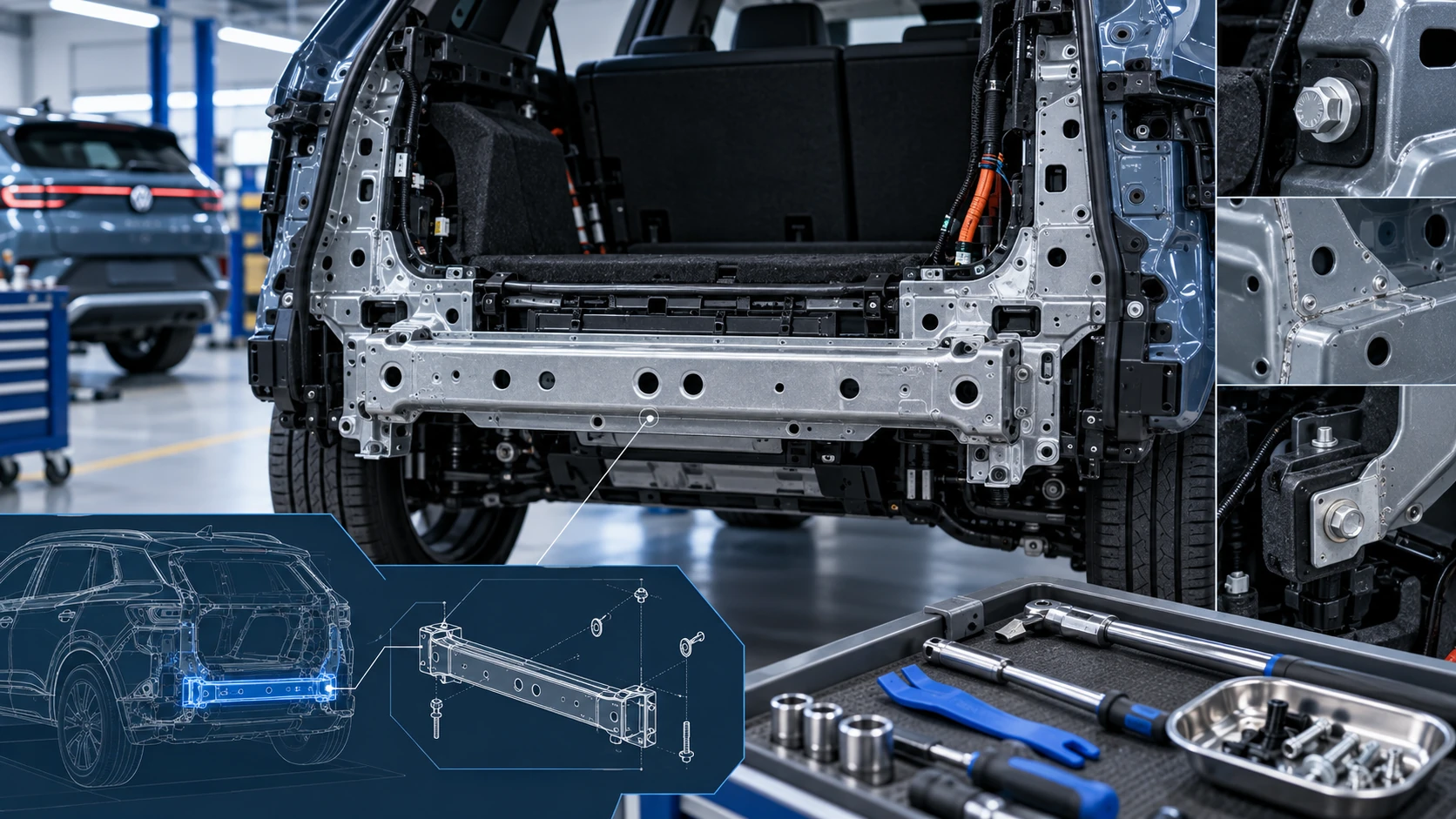 ID.4 Guide
Service information for the Volkswagen ID.4 rear cross member, including component location, attachment points and repair-oriented removal and installation guidance.
Read guide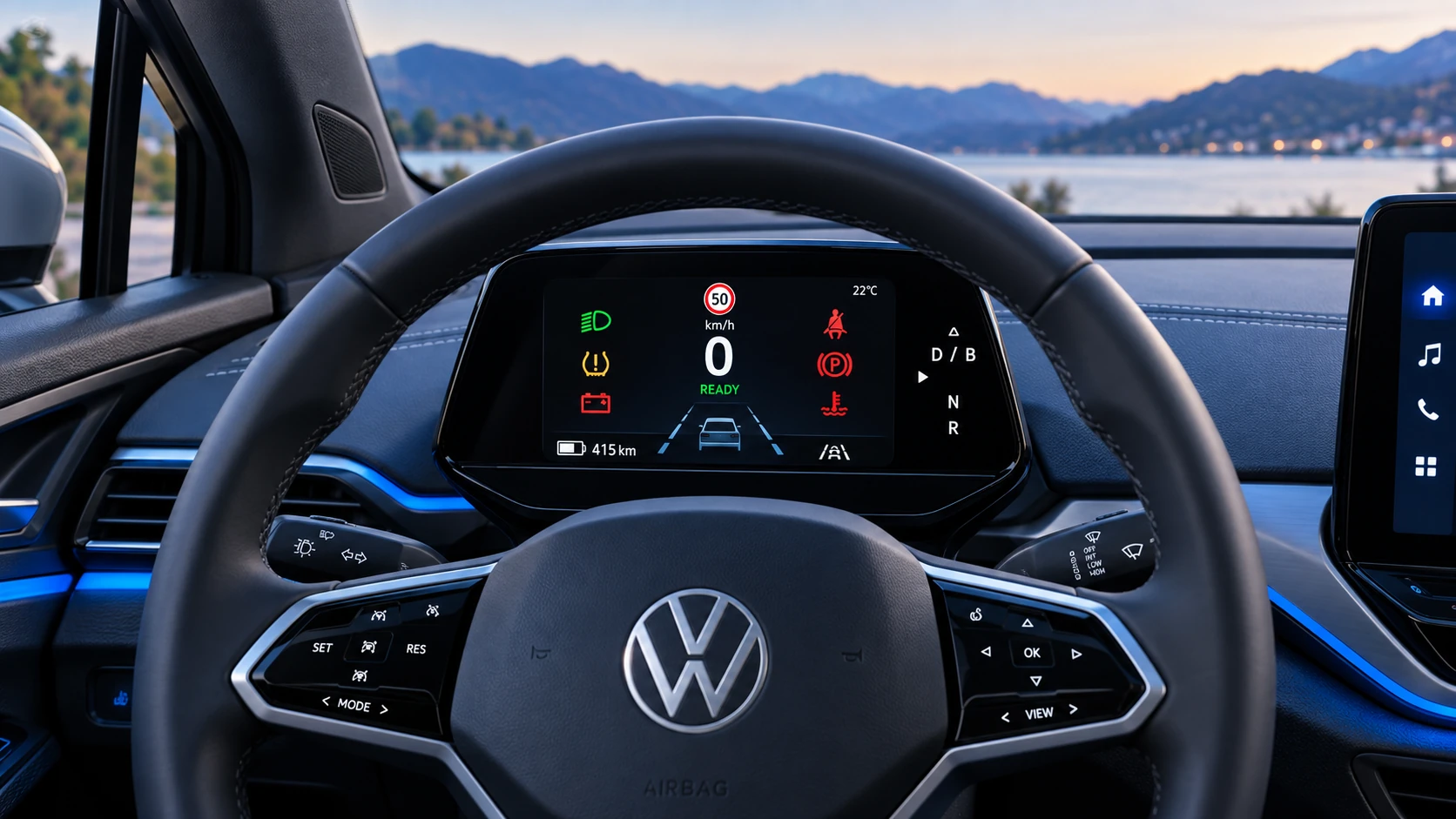 ID.4 Guide
A practical overview of Volkswagen ID.4 instrument cluster symbols, warning lights and status indicators to help drivers understand the display quickly.
Read guide