



Cooling System Coolant
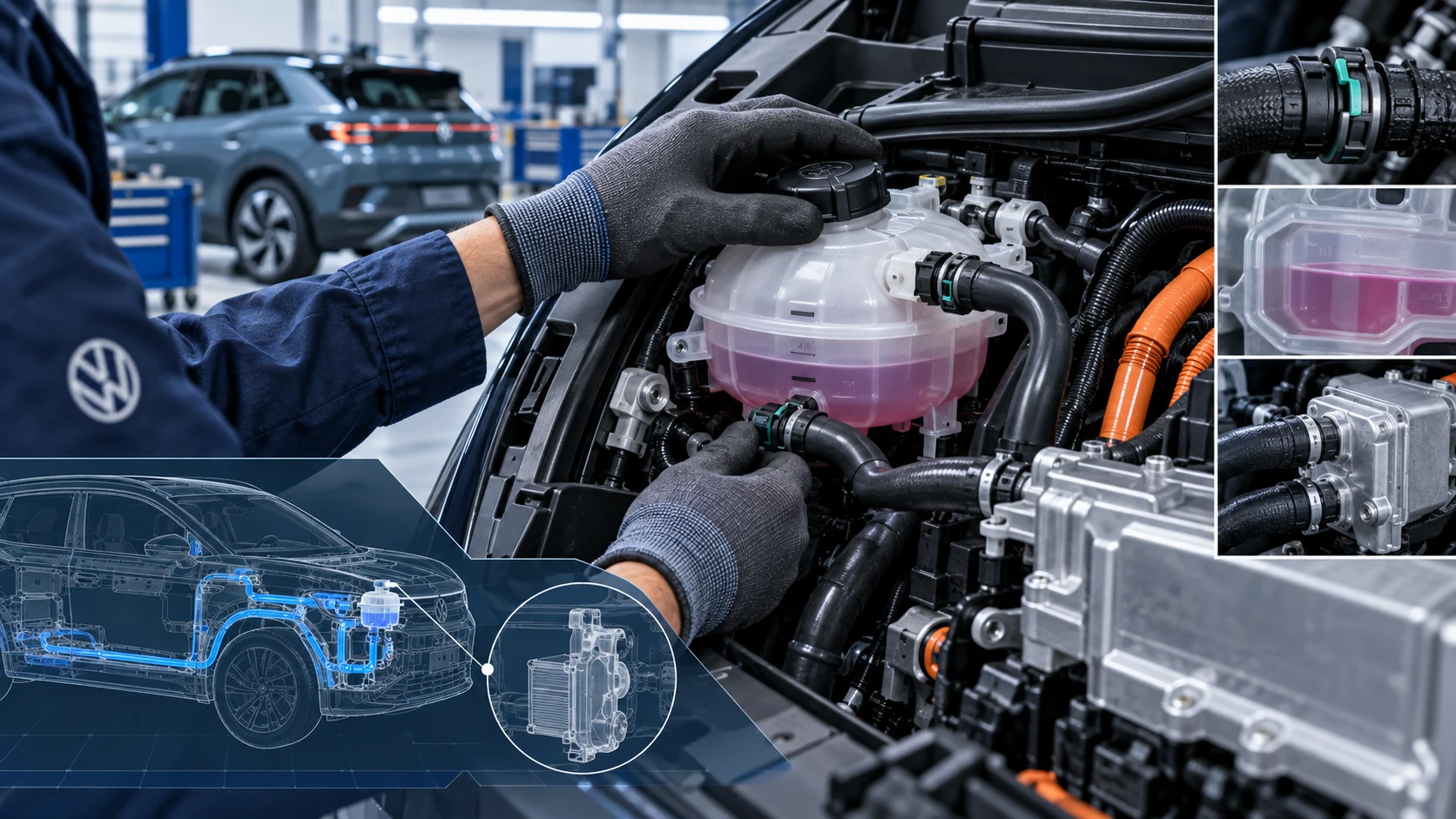
Volkswagen ID.4 cooling system guidance covering coolant-related service information, inspection points and important precautions for thermal management components.
Read guide




In the Volkswagen ID.4, entry and exit lighting—also known as orientation lighting—provides additional comfort and safety by illuminating the area around the vehicle when entering or leaving in low-light conditions.
This feature is automatically controlled by an integrated light sensor, ensuring that the lighting activates only when necessary.
Switching on entry lighting
1. Unlock the Volkswagen ID.4 when the automatic headlights
 are enabled and the sensor detects darkness.
Switching off entry lighting
1. The lighting turns off automatically after the preset duration.
Or: Lock the vehicle.
Or: Press the
 button repeatedly until the
 setting appears in the instrument cluster.
Or: Switch on the ignition.
Switching on exit lighting
1. Switch the ignition off.
In the Volkswagen ID.4, exit lighting activates automatically when the automatic headlights
 are on and darkness is detected.
The lighting duration begins once the final door or trunk lid is closed.
Switching off exit lighting
1. The lighting turns off automatically after the selected time interval.
Or: Automatically if a door or trunk remains open approximately 30 seconds after activation.
Or: Press the
 button repeatedly until the
 setting appears in the instrument cluster.
Or: Switch on the ignition.
Adjusting entry and exit lighting
The duration and behavior of entry and exit lighting in the Volkswagen ID.4 can be customized via the Infotainment system settings (→ Vehicle settings menu).
Depending on the equipment level, additional personalization options for exterior lighting behavior are available.
Within the Convenience lighting menu, two display modes can be selected:
In this mode, the exterior lighting elements—including headlights and taillights—activate and deactivate simultaneously.
In this advanced mode, the Volkswagen ID.4 provides a more modern lighting sequence where ambient lighting, headlights, and taillights activate in a dynamic or animated pattern, enhancing the vehicle’s premium feel.
In vehicles equipped with Keyless Access, the entry lighting can also activate automatically as you approach the Volkswagen ID.4.
 Some lighting settings can be stored in driver personalization profiles and will adjust automatically when switching between users.
Cornering lights
When the low beam headlights are active, the Volkswagen ID.4 automatically activates cornering lights during low-speed turns or tight maneuvers, improving visibility of the road edges.
 When reverse gear is engaged, both cornering lights illuminate simultaneously to enhance visibility while parking or maneuvering.
Automatic headlight control
If automatic headlights
 are activated, the Volkswagen ID.4 manages exterior lighting and instrument illumination automatically based on driving conditions:
When the system activates the lights, the yellow indicator
 appears in the instrument cluster (→ Low beam headlight).
Automatic headlight control in the Volkswagen ID.4 is an assistance feature and may not always correctly interpret all driving conditions.
If equipped, the activation sensitivity and timing of the automatic headlights can be adjusted in the Infotainment system settings for a more personalized driving experience.

Selected owner and service information from our Volkswagen ID.4 manual library.
 ID.4 Guide
Volkswagen ID.4 cooling system guidance covering coolant-related service information, inspection points and important precautions for thermal management components.
Read guide ID.4 Guide
How to switch the Volkswagen ID.4 ignition on and off correctly, including the basic operating conditions and what the driver should expect from the vehicle.
Read guide