



Joining and Separating Techniques
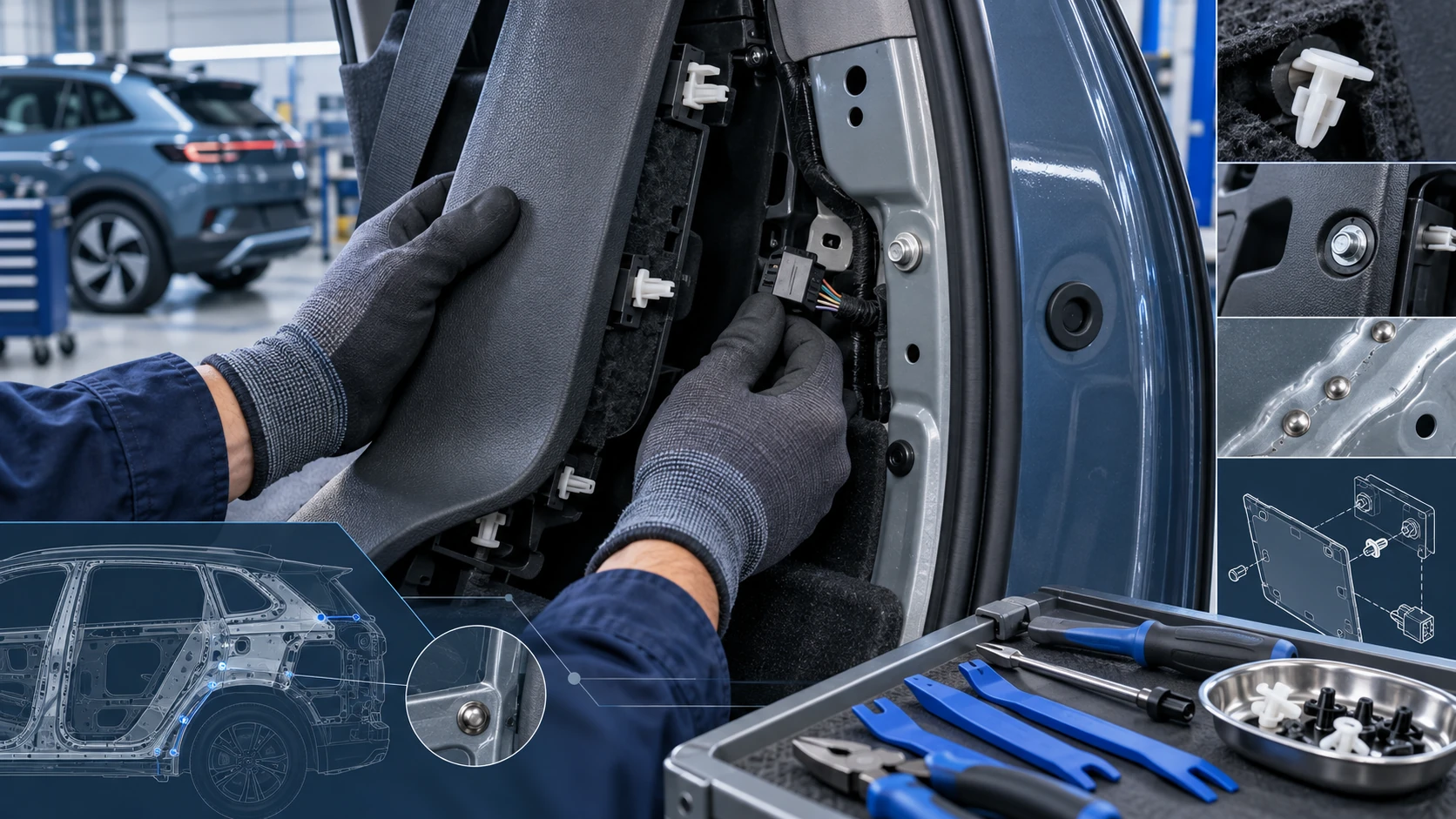
Practical Volkswagen ID.4 service procedures for joining and separating components, connectors and assemblies correctly and without unnecessary damage.
Read guide




Voice guidance in the Volkswagen ID.4 provides spoken driving instructions to assist with navigation along the selected route.
The frequency and detail of these announcements depend on system settings and driving conditions, such as entering highways, intersections, or roundabouts.
If the exact destination cannot be reached, for example due to incomplete mapping, the system will notify you that the destination area has been reached and provide additional guidance.
During dynamic navigation, the Volkswagen ID.4 announces traffic incidents and automatically recalculates routes when necessary.
The volume of navigation announcements can be adjusted or muted independently, and all subsequent messages will follow the selected volume level.
 No navigation instructions will be played if the Infotainment system is muted.
Adapting the Navigation Map
The navigation map in the Volkswagen ID.4 can be customized using intuitive touch gestures, allowing drivers to adjust the view according to their preferences.
Moving the navigation map
Recommendation: Use index finger.
1. Move the map by dragging your finger across the screen.
Zooming in or out on the map view
Recommendation: Use index finger.
1. Tap and hold the map twice consecutively.
2. Move your finger upward to zoom out or downward to zoom in.
Zooming in or out on the map view
Recommendation: Use thumb and index finger.
1. Place two fingers on the screen simultaneously.
2. Pinch inward to zoom out or spread your fingers apart to zoom in.
Tilting the map view
Recommendation: Use index and middle finger.
1. Place two fingers horizontally on the screen.
2. Move them upward to tilt the map forward or downward to tilt it backward.
Rotating the map view
Recommendation: Use thumb and index finger.
1. Place two fingers on the screen.
2. Rotate them clockwise or counterclockwise to change the map orientation.
The Volkswagen ID.4 Infotainment system combines advanced navigation, intuitive controls, and high-quality multimedia playback to deliver a safe, comfortable, and connected driving experience.
The route plan in the Volkswagen ID.4 provides a detailed overview of the current navigation route, including key events such as stopovers, waypoints, and suggested destinations, provided that this data is available to the system.
By tapping on any event within the route plan, a dialog window opens with additional options. The available actions depend on the selected event and the current Infotainment system settings in the Volkswagen ID.4.
Opening and closing the route plan
1. Tap the route plan to open it on the display.
2. To close the route plan, tap the corresponding close area on the screen.
3. To stop route guidance to a destination or waypoint, tap next to the destination within the route plan.
Editing route guidance
The Volkswagen ID.4 allows flexible route customization by rearranging destinations and intermediate stopovers directly within the route plan.
1. Tap and hold the desired destination until it becomes highlighted.
2. Drag the destination to a new position and release it.
The navigation system will automatically recalculate the optimized route.
Additional dialog box in the route plan
When selecting entries within the route plan, an additional dialog box may appear, offering context-specific options depending on the selected item.
Functions available in the split screen of the Volkswagen ID.4 include:
Display on map
Displays the selected item directly on the navigation map.
Direct route
Starts immediate route guidance to the selected destination.
Add waypoint
Adds an additional stopover to the current route.
Delete
Removes a waypoint from the route plan.
Avoid
Allows you to bypass traffic disruptions; the route will be recalculated accordingly.
Stop route guidance
Ends the current navigation session in the Volkswagen ID.4.
Closing an additional dialog box in the route plan
1. Tap anywhere outside the dialog window to close it.
Setting preferred POI categories
The Volkswagen ID.4 navigation system displays points of interest (POIs), such as charging stations, parking areas, or fuel stations, using quick access icons in route planning and map views. You can define which categories are prioritized.
You can configure preferred POI categories via
 Basic
functions
Basic
functions
 Determine preferred POI
categories.
Determine preferred POI
categories.
Saved data
To improve convenience and efficiency, the Volkswagen ID.4 Infotainment system stores certain navigation-related data, such as frequently traveled routes and commonly selected destinations.
Delete saved data
1. Tap
 Basic functions
 Delete usage pattern.
2. Confirm the action to remove stored navigation data.
The Volkswagen ID.4 navigation system can intelligently learn your driving habits by recording frequently used routes and destinations. This allows it to generate automatic route suggestions based on the time of day and day of the week.
These learned patterns enable the system to recommend optimized routes, improving efficiency and driving comfort.
1. Tap
 Suggestions to display recommended routes.
Selecting a suggested route will immediately activate route guidance in the Volkswagen ID.4.
The system will continue guiding you along the selected route. If you deviate, it will automatically calculate a new path to return you to the original route as efficiently as possible.
Traffic conditions are continuously considered, and if an alternative route is available, the Volkswagen ID.4 will attempt to avoid delays and disruptions.
Even without active navigation guidance, frequently traveled routes can still be recognized. The destination may appear in the route plan, and the system can provide warnings about traffic issues.
An estimated arrival time is displayed based on current traffic conditions and route data.
This intelligent learning feature can be enabled or disabled at any time, and stored data can also be deleted if desired.
Activating or deactivating "Learn usage pattern"
1. To access the settings, tap
 Basic functions.
2. Enable or disable Learn usage pattern according to your preference.
Deleting saved "Learn usage pattern" data
1. To access the settings, tap
 Basic
functions.
Basic
functions.
2. Tap Delete usage pattern to clear stored learning data.
The Volkswagen ID.4 combines intelligent navigation, adaptive learning, and user-friendly controls to deliver a highly personalized and efficient driving experience.

Selected owner and service information from our Volkswagen ID.4 manual library.
 ID.4 Guide
Practical Volkswagen ID.4 service procedures for joining and separating components, connectors and assemblies correctly and without unnecessary damage.
Read guide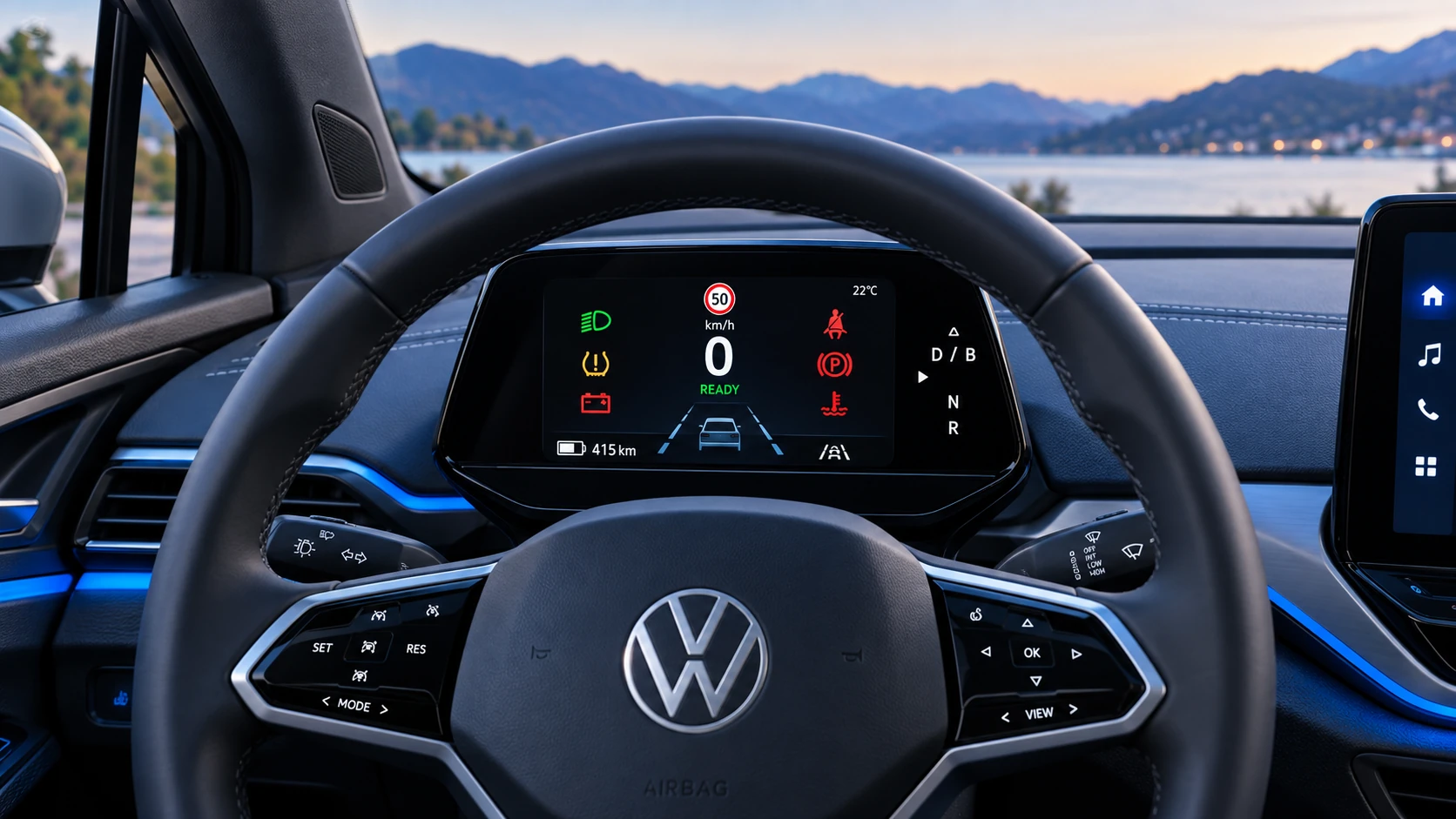 ID.4 Guide
A practical overview of Volkswagen ID.4 instrument cluster symbols, warning lights and status indicators to help drivers understand the display quickly.
Read guide