



Welding Plastic Attachments
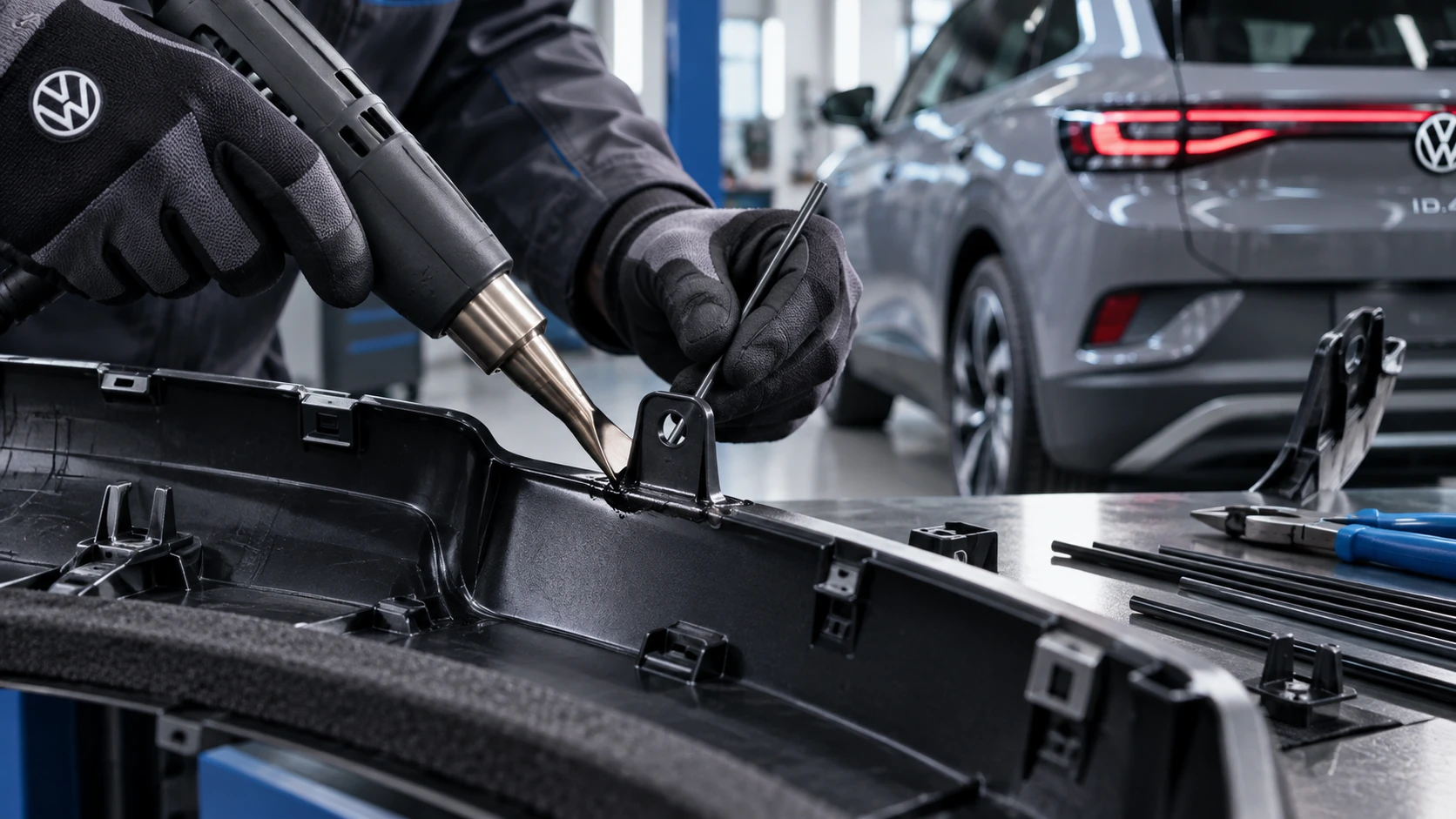
Professional Volkswagen ID.4 repair guidance for welding plastic attachments, securing damaged mounting points and restoring plastic components correctly.
Read guide




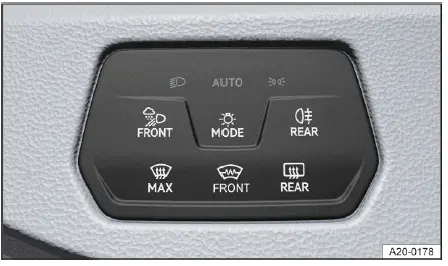
Fig. 1 Next to the steering wheel: Button to switch on the
exterior lighting.
Switching the lights on
1. Switch the ignition on in your Volkswagen ID.4.
2. Tap the
 button repeatedly until
the desired lighting mode is selected and the corresponding indicator lights appear:
button repeatedly until
the desired lighting mode is selected and the corresponding indicator lights appear:

The low beam headlights are activated in the Volkswagen ID.4, and the green indicator light confirms operation.

Automatic headlight mode: In the Volkswagen ID.4, the low beam headlights switch on or off automatically depending on ambient light conditions →
 (→ Automatic headlight control).

Parking lights are switched on, indicated by a green symbol. In the Volkswagen ID.4, automatic headlights will activate from a speed of approximately 10 km/h (6 mph) →
 .
.

Display only in the instrument cluster: lights are switched off. The Volkswagen ID.4 will automatically activate headlights after approximately 10 km/h or after traveling around 100 m →
 .
.
Switching the lights off
1. Switch the ignition off in the Volkswagen ID.4.

The orientation lighting feature in the Volkswagen ID.4 can be activated for improved visibility when exiting the vehicle.

The parking lights or continuous parking lights on both sides of the Volkswagen ID.4 are switched on, confirmed by a green indicator.

Instrument cluster display: lighting system switched off.
Daytime running lights
The daytime running lights in the Volkswagen ID.4 improve visibility during daylight conditions, helping other road users recognize your vehicle more easily.
These lights automatically activate when the ignition is switched on and sufficient daylight is detected.
At speeds above approximately 10 km/h (6 mph), the daytime running lights in the Volkswagen ID.4 cannot be manually switched on or off.
WARNING
Incorrect use of lighting systems in the Volkswagen ID.4 can reduce visibility and increase the risk of accidents.
WARNING
Parking lights and daytime running lights are not sufficient to fully illuminate the road or ensure visibility to other drivers.
WARNING
The automatic headlight function
 is only an assistance feature.
The driver of the Volkswagen ID.4 remains responsible for selecting appropriate lighting at all times.
Automatic headlight control
is only an assistance feature.
The driver of the Volkswagen ID.4 remains responsible for selecting appropriate lighting at all times.
Automatic headlight control
 reacts only to changes in brightness and may not detect all hazardous conditions.
 When reverse gear is selected in the Volkswagen ID.4, both cornering lights activate automatically to improve visibility during parking and maneuvering.

Selected owner and service information from our Volkswagen ID.4 manual library.
 ID.4 Guide
Professional Volkswagen ID.4 repair guidance for welding plastic attachments, securing damaged mounting points and restoring plastic components correctly.
Read guide ID.4 Guide
How to switch the Volkswagen ID.4 ignition on and off correctly, including the basic operating conditions and what the driver should expect from the vehicle.
Read guide